You’ve set up your WordPress site, organized your content into categories, and added helpful tags. Everything looks great until you check Google Search Console and notice duplicate content warnings. Now you’re wondering if those taxonomy pages are helping or hurting your SEO efforts.
Whether you should noindex WordPress categories and tags depends on your content strategy and site structure. Category pages with unique descriptions and value should remain indexed, while thin tag pages that duplicate content often benefit from noindexing. The decision requires evaluating your specific taxonomy setup, content volume, and how these pages serve your visitors and search engines.
Understanding what categories and tags do for your site
Categories and tags organize your WordPress content in different ways.
Categories create your main content structure. They’re hierarchical, meaning you can nest them inside each other. A food blog might have “Recipes” as a parent category with “Desserts” and “Main Courses” as children.
Tags add descriptive keywords to individual posts. They’re flat, with no hierarchy. That same food blog might tag a chocolate cake recipe with “chocolate,” “birthday,” and “easy baking.”
Both create archive pages that list related posts. These pages can rank in search results and bring traffic to your site.
The problem starts when these archive pages offer nothing beyond what’s already on your individual posts.
Why duplicate content becomes a problem
Search engines want to show users the best, most relevant page for their query.
When you have multiple pages with similar or identical content, search engines must choose which one to rank. This wastes your crawl budget and dilutes your ranking potential.
WordPress creates several types of pages that might display the same content:
- Individual blog posts
- Category archive pages
- Tag archive pages
- Date-based archives
- Author archives
If you publish a post titled “How to Bake Chocolate Cake,” that content appears on the post itself. It also shows up on your “Desserts” category page, your “chocolate” tag page, your February 2024 archive, and your author page.
That’s five different URLs showing the same excerpt and title.
Google sees this and has to pick which page deserves to rank. Usually, it’s not the archive pages.
When to keep your category pages indexed
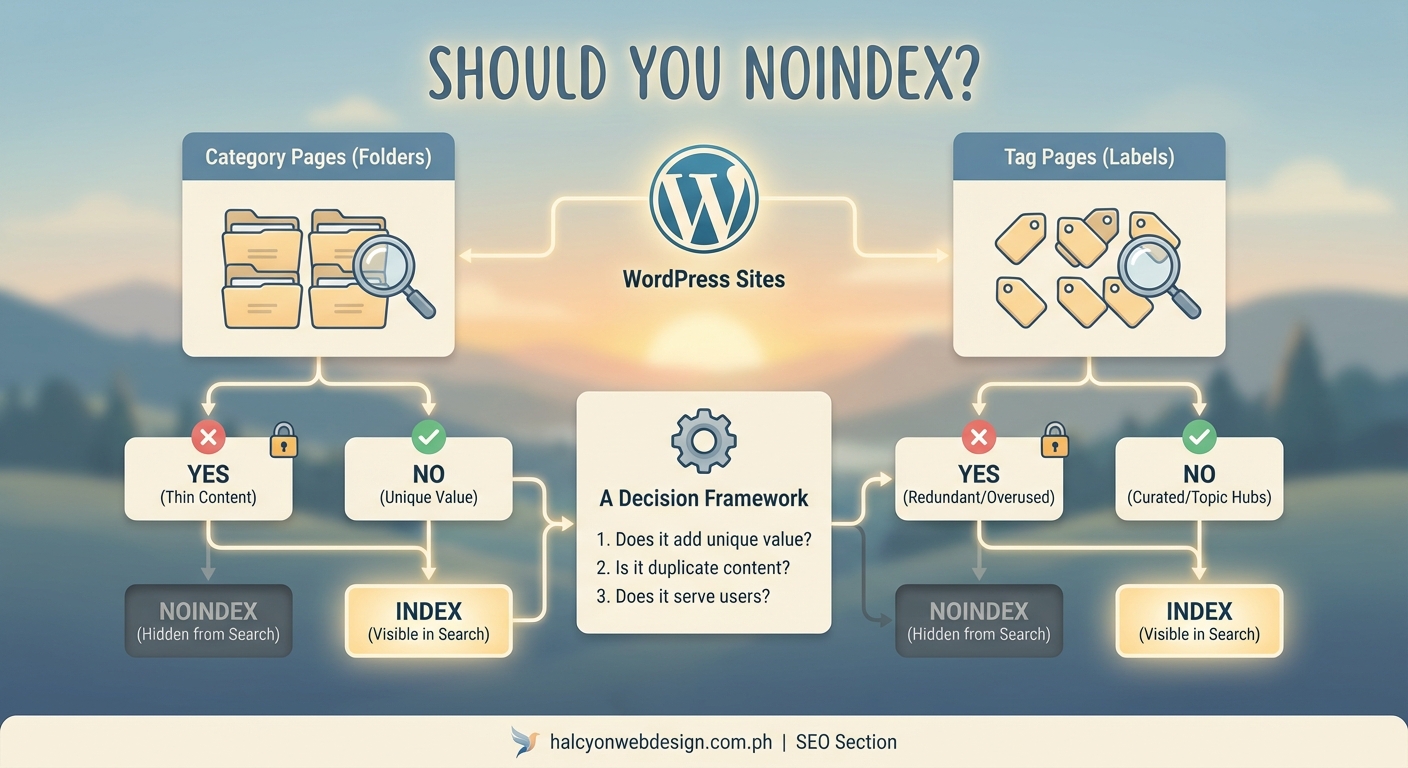
Category pages deserve to stay in search results when they provide genuine value beyond listing posts.
Here are situations where indexing makes sense:
You’ve written unique descriptions. Adding 200-300 words of original content at the top of each category page transforms it from a simple list into a resource. This description should explain what visitors will find, why the topic matters, and how the content helps them.
Your categories target specific keywords. If “WordPress security tips” is a category and you’re actively trying to rank for that phrase, the category page can serve as a hub. Make sure it has unique content and internal linking that supports that goal.
You have enough posts per category. A category with three posts looks thin. One with 20 or more posts offers enough variety to be useful as a browsing page.
The category structure matches user intent. Some visitors prefer browsing by topic rather than searching. A well-organized category system serves this audience.
Add custom content to your category pages before deciding to index them. A category page with just a list of post excerpts rarely outranks the actual posts themselves.
When to noindex your tag pages
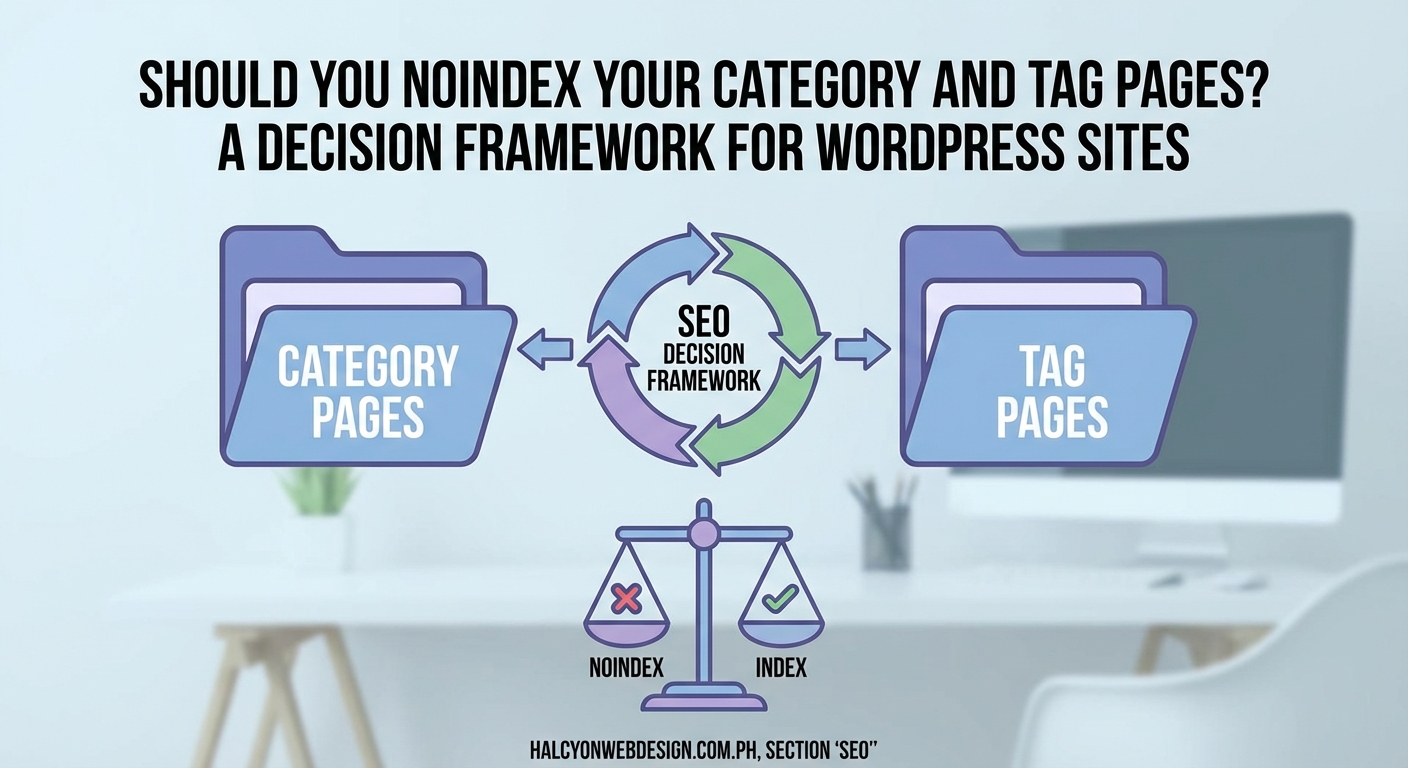
Tag pages usually create more problems than they solve for SEO.
Most WordPress sites overuse tags. A post might have eight or ten tags, each creating its own archive page. This multiplies the duplicate content problem.
Consider noindexing tags when:
- You have more tags than posts
- Tags contain fewer than five posts each
- Tag pages lack unique descriptions
- Tags overlap heavily with your categories
- You’re not actively managing your tag taxonomy
Tags work better as an internal organization system than as public-facing pages. They help you group related content behind the scenes without cluttering search results.
The decision framework you need
Use this table to evaluate each taxonomy type on your site:
| Factor | Index | Noindex |
|---|---|---|
| Unique content on archive page | 200+ words of original text | Only post excerpts |
| Number of posts | 10 or more | Fewer than 5 |
| Keyword targeting | Active optimization effort | No specific SEO goal |
| User behavior | Visitors browse these pages | Low engagement metrics |
| Overlap with other pages | Minimal duplication | High content overlap |
| Maintenance | Regularly updated descriptions | Set and forget |
Your site might have a mix. Some categories deserve indexing while others don’t. Some tags might be valuable while most should be hidden.
The goal is making intentional choices rather than accepting WordPress defaults.
How to implement your indexing strategy
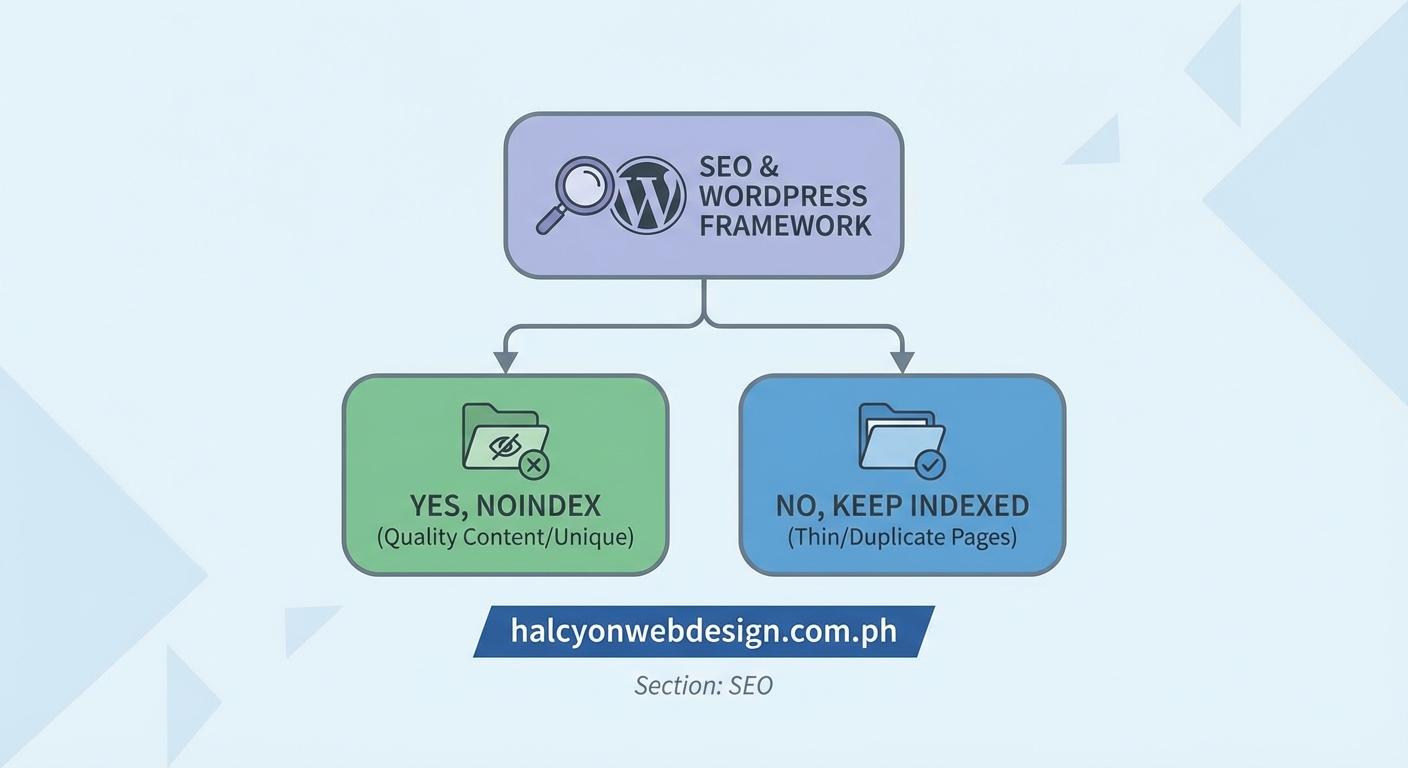
Once you’ve decided which pages to noindex, here’s how to make it happen:
-
Install an SEO plugin like Yoast SEO or Rank Math. Both offer taxonomy indexing controls.
-
Navigate to the plugin’s search appearance settings. Look for sections labeled “Taxonomies” or “Archives.”
-
Find the toggle or dropdown for categories. Choose whether to show them in search results.
-
Repeat for tags and any custom taxonomies your site uses.
-
Save your settings and wait for search engines to recrawl your site.
Most SEO plugins default to noindexing certain archive types. Check these settings rather than assuming they’re configured correctly.
If you’re changing from indexed to noindexed, expect it to take several weeks for search engines to fully process the change. You might see temporary ranking fluctuations during this transition period.
What happens to existing rankings
Noindexing pages that already rank can feel scary.
Here’s what actually happens:
The pages will gradually disappear from search results. Any traffic they generated will stop. If those pages ranked for valuable keywords, you’ll lose that visibility.
Before you noindex anything that’s currently ranking, ask yourself where that traffic should go instead. Often, you can consolidate the value by:
- Redirecting the taxonomy page to a related pillar post
- Creating a proper landing page for that topic
- Improving your individual posts to capture those rankings
The worst outcome is noindexing pages that drive traffic without having a plan to recapture that value elsewhere.
Check your Google Search Console data before making changes. Sort by clicks and impressions to see which category and tag pages actually perform.
Common mistakes that hurt your site
Site owners often make these errors when managing taxonomy indexing:
Noindexing everything by default. Some SEO advice suggests hiding all archives from search engines. This throws away potential ranking opportunities for well-crafted category pages.
Indexing thin tag pages. Leaving dozens of barely-used tags indexed creates the exact duplicate content problem you’re trying to avoid.
Ignoring custom taxonomies. If you’ve added custom post types with their own taxonomies, those need indexing decisions too. Don’t forget about them.
Not adding unique content. Deciding to index a category means nothing if you don’t actually improve the page. Add that custom description and make it worth ranking.
Forgetting about pagination. Category pages often span multiple pages. Make sure your SEO settings handle paginated archives correctly.
Monitoring your results after changes
Making indexing changes isn’t a one-time task.
Set a reminder to check these metrics monthly:
- Total indexed pages in Google Search Console
- Crawl stats and crawl budget usage
- Rankings for your target category keywords
- Traffic to taxonomy pages versus individual posts
- Duplicate content warnings
Your needs will change as your site grows. A category that started with three posts might eventually have thirty. That changes the indexing calculation.
Similarly, if you notice a category page ranking well and driving traffic, that’s a signal to invest more in it. Add more unique content, improve the layout, and treat it like a landing page.
The relationship between site performance and indexing matters too. Faster-loading taxonomy pages are more likely to rank well if you choose to index them.
Alternative approaches worth considering
Noindexing isn’t your only option for managing taxonomy pages.
Canonical tags tell search engines which version of similar content is the primary one. You could canonicalize tag pages to their corresponding category pages, keeping them accessible to users while consolidating SEO value.
Robots.txt blocking prevents crawling entirely. This is more aggressive than noindexing and usually unnecessary unless you have serious crawl budget concerns.
Improving page quality might be better than hiding pages. If your category pages could rank with better content, invest in that instead of noindexing them.
Reducing tag usage solves the problem at its source. Limit posts to three or four carefully chosen tags instead of ten. This reduces the number of thin archive pages you create.
Building a sustainable taxonomy strategy
Your indexing decisions should support your overall content strategy.
Start by auditing your current setup:
- How many categories do you have?
- How many tags exist on your site?
- Which ones have substantial content?
- Which ones overlap significantly?
Clean up before you optimize. Delete unused tags, merge similar categories, and establish guidelines for future use.
Create a simple rule for yourself and anyone else who publishes on your site. Something like: “Categories must have at least ten posts and a custom description to be indexed. Tags are always noindexed.”
This prevents the problem from recurring as you add more content.
Choosing the right plugins for SEO management helps too. Look for tools that make taxonomy control straightforward rather than buried in complex settings.
Making the right call for your site
There’s no universal answer to whether you should noindex WordPress categories and tags.
A personal blog with 20 posts and 50 tags should absolutely noindex those tags. A large magazine site with carefully curated categories and custom descriptions should probably index them.
Your decision depends on:
- How much content you have
- How well you maintain your taxonomy pages
- Whether those pages serve your visitors
- If you’re willing to add unique content to them
- What your crawl budget looks like
Start conservative. Noindex your tags and any thin categories. Keep your main, well-populated categories indexed if they have unique descriptions.
Monitor the results for a few months. Adjust based on what you see in your analytics and search console data.
The goal isn’t perfection. It’s making sure search engines focus on your best content while users can still navigate your site effectively. Sometimes that means hiding taxonomy pages from search results. Sometimes it means investing in them to make them rank-worthy.
Make the choice that fits your site’s current state and your capacity to maintain these pages going forward. You can always change your mind later as your site grows and your strategy evolves.