
Your site feels sluggish. Pages take forever to load. Visitors bounce before they see your content. You’ve optimized images, trimmed plugins, and enabled caching, but nothing seems to help. The problem might not be your WordPress setup at all. Your hosting provider could be the real culprit, quietly throttling your site’s potential while you chase fixes that don’t address the root cause.
WordPress hosting performance benchmarks measure server response times, resource limits, and uptime to identify if your host is causing slowdowns. Testing Time to First Byte (TTFB), server response under load, and PHP execution speed reveals whether your hosting infrastructure can handle your traffic. Understanding these metrics helps you make informed decisions about upgrading, migrating, or optimizing your current setup.
What hosting benchmarks actually measure
Performance benchmarks evaluate how well your server handles requests, processes PHP code, and delivers content to visitors. They don’t measure your theme’s code quality or how many plugins you’ve installed. They focus purely on infrastructure capability.
Server response time tells you how long it takes for your host to begin sending data after receiving a request. Database query speed shows how fast your server retrieves information from MySQL or MariaDB. CPU and memory allocation reveal whether your plan provides enough resources to run WordPress efficiently.
These metrics matter because WordPress is a dynamic platform. Every page load triggers PHP execution, database queries, and file system operations. A weak server chokes under this workload, no matter how clean your code is.
Core metrics that reveal hosting bottlenecks
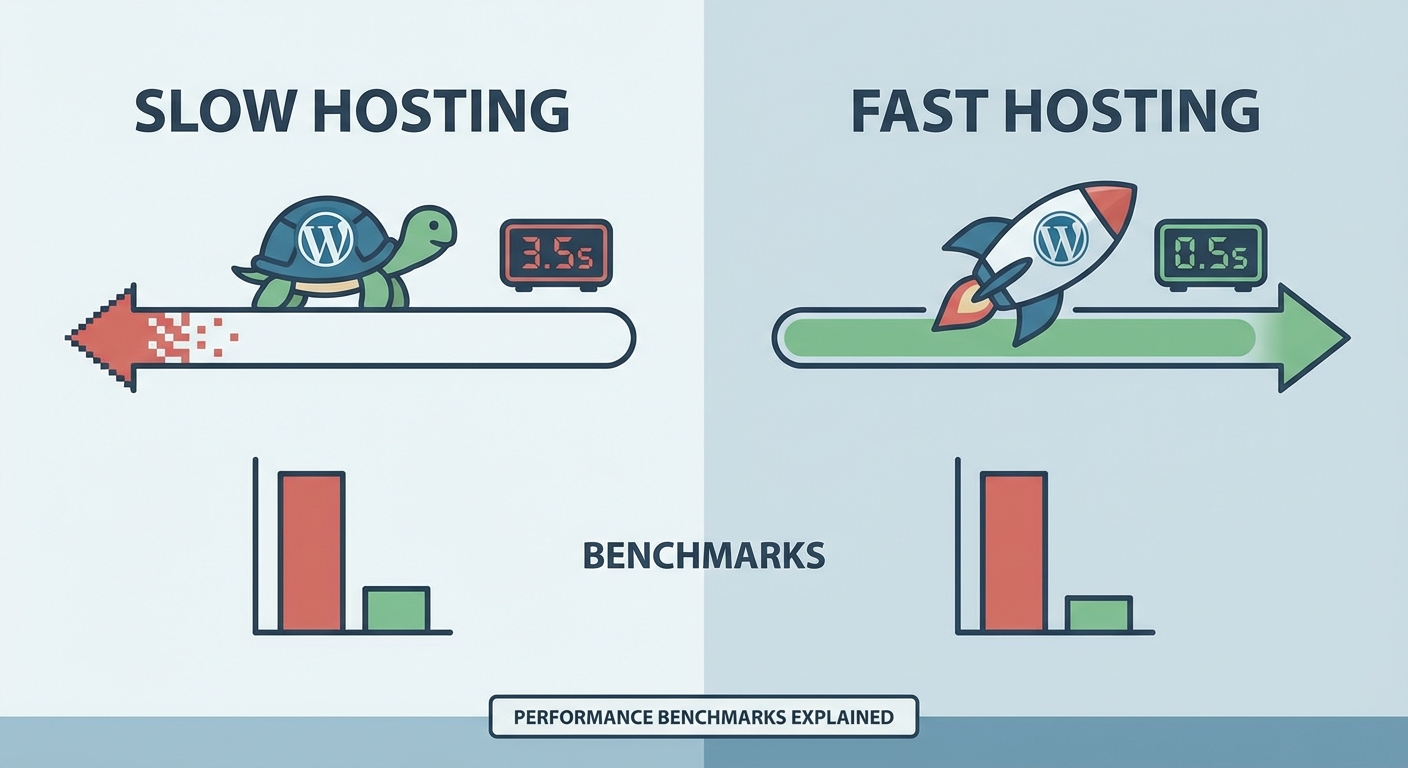
Not all benchmarks carry equal weight. Some numbers look impressive on paper but don’t reflect real-world performance. Focus on these proven indicators.
Time to First Byte (TTFB) measures the delay between a browser requesting a page and receiving the first byte of data. Good hosting delivers TTFB under 200ms for cached pages and under 600ms for uncached dynamic content. Anything above 1 second suggests server problems.
Server response under load tests how your host performs when multiple visitors arrive simultaneously. A server that handles 10 concurrent users smoothly but collapses at 50 users can’t support traffic spikes or moderate growth.
PHP execution time tracks how fast your server processes WordPress core functions. Modern hosts run PHP 8.1 or newer with opcache enabled. Older versions or disabled caching dramatically slow execution.
Database query performance measures how quickly your server retrieves data from MySQL. Shared hosting often throttles database connections, causing delays even when PHP runs efficiently.
How to test your hosting performance objectively
Testing requires isolating your hosting infrastructure from other variables. You need to measure server capability without interference from themes, plugins, or content delivery networks.
- Install a fresh WordPress instance with a default theme and no plugins except a performance testing tool.
- Run baseline tests using tools like Query Monitor to measure database performance and server response times.
- Add load testing with services like Loader.io or K6 to simulate multiple concurrent visitors and identify breaking points.
- Compare results against industry standards and competitor hosting plans to determine if you’re getting acceptable performance.
This approach reveals pure hosting capability. If your clean test site performs poorly, your host is the bottleneck. If it performs well but your live site doesn’t, look at your WordPress configuration and optimization strategies instead.
Tools that provide actionable hosting data
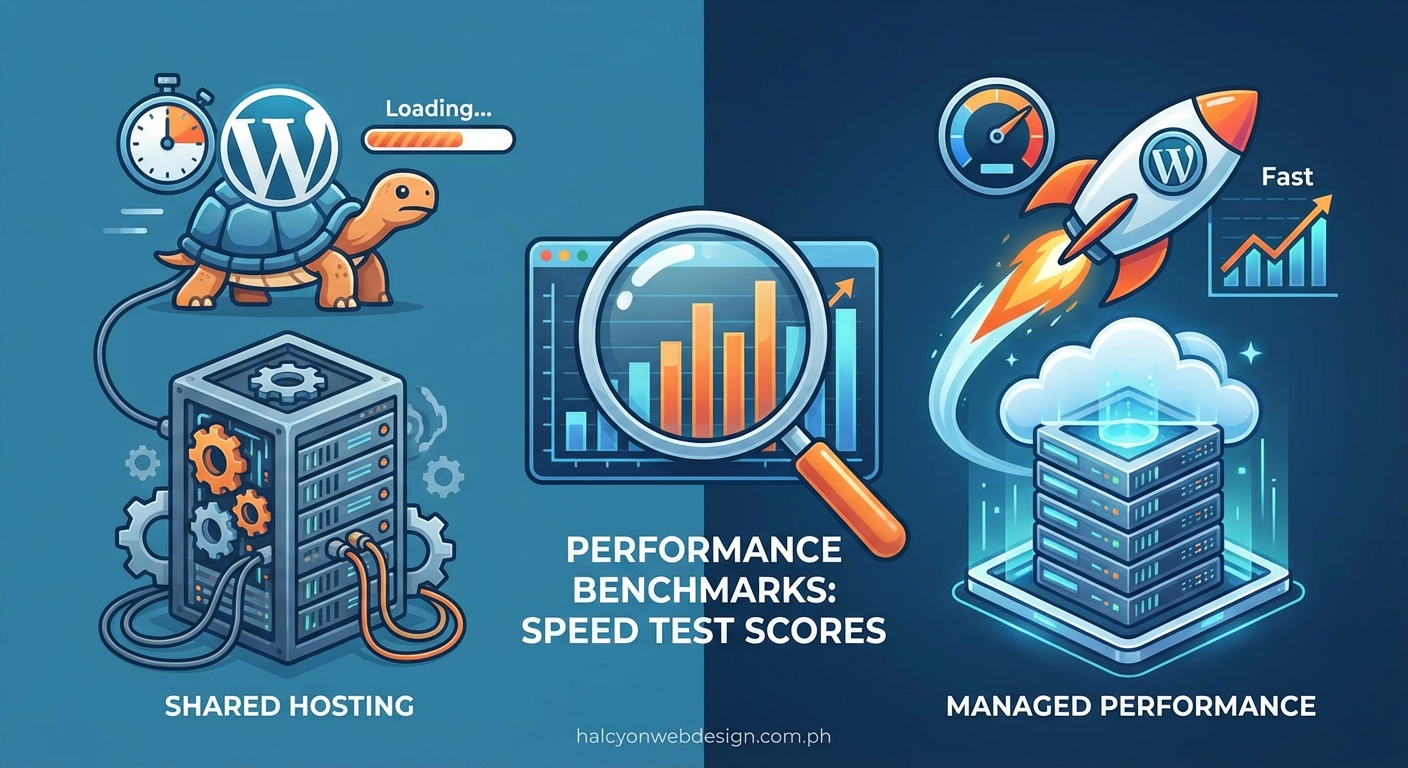
Free tools offer surface-level insights, but specialized testing reveals deeper problems.
Query Monitor is a WordPress plugin that logs database queries, PHP errors, and server response times. It shows exactly which operations take longest and whether your server struggles with specific tasks.
New Relic provides application performance monitoring that tracks server resource usage, PHP execution, and database bottlenecks over time. The free tier offers enough data for most small sites.
Blackfire.io profiles PHP performance at the function level, showing which WordPress operations consume the most CPU time and memory. This level of detail helps distinguish hosting problems from code problems.
GTmetrix and WebPageTest measure TTFB and server response from multiple global locations, revealing if your hosting performs consistently across regions or if geographic distance creates delays.
Reading benchmark results without getting fooled
Raw numbers need context. A 500ms TTFB might be acceptable for a complex e-commerce site but terrible for a simple blog. Understanding what results mean for your specific situation prevents overreacting to normal variations.
A hosting provider can deliver fast synthetic benchmarks while struggling under real traffic patterns. Always test with actual user behavior, not just automated tools hitting your homepage repeatedly.
Look for patterns across multiple tests. One slow result might be a temporary server hiccup. Consistent slowdowns indicate systemic problems. Pay attention to variance too. A server that delivers 200ms TTFB sometimes and 2000ms other times has stability issues.
Compare your results against hosting tier expectations. Shared hosting naturally performs worse than VPS or dedicated servers. If your shared plan delivers VPS-level performance, you’ve found a good provider. If your VPS performs like shared hosting, you’re being oversold limited resources.
Common hosting limitations that benchmarks expose
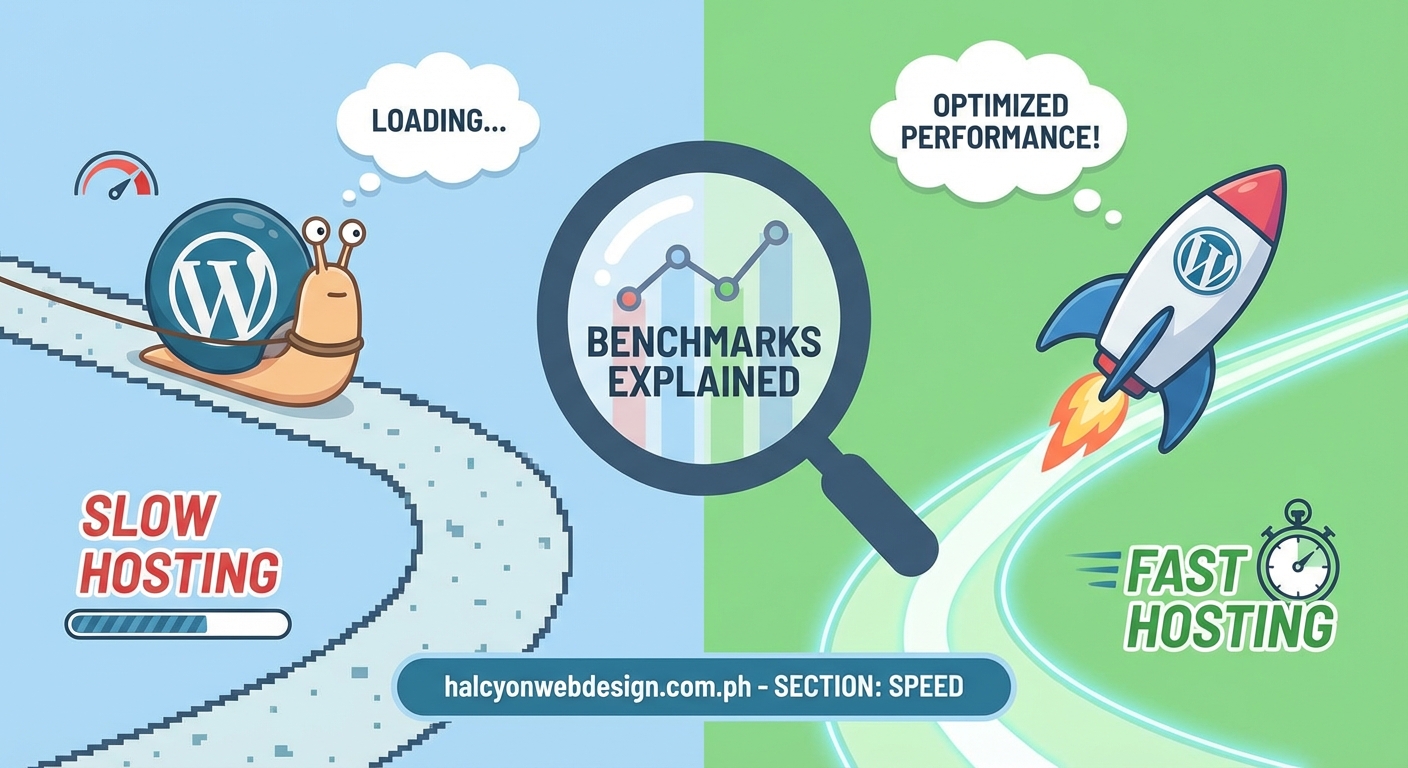
Testing reveals specific constraints that hosting providers impose, often buried in fine print or undisclosed entirely.
| Limitation Type | How It Appears in Benchmarks | Real Impact |
|---|---|---|
| CPU throttling | Slow PHP execution despite modern version | Pages take 3-5 seconds to generate even when cached |
| Memory limits | Frequent fatal errors under load testing | Site crashes during traffic spikes |
| I/O restrictions | Slow database queries despite small dataset | Admin dashboard feels sluggish |
| Connection limits | Failed requests during concurrent testing | Visitors see connection timeout errors |
Shared hosting often combines multiple limitations. Your plan might advertise “unlimited bandwidth” while throttling CPU so aggressively that you can’t use that bandwidth effectively.
When to upgrade versus when to migrate
Benchmark results help you decide whether staying with your current host makes sense.
Upgrade your current plan if tests show good performance during normal load but failures during traffic spikes. Your host’s infrastructure works fine, you just need more resources allocated to your account.
Migrate to a new host if even light testing reveals poor performance. No amount of resource upgrades fixes fundamentally slow infrastructure or oversold servers.
Consider managed WordPress hosting if benchmarks show database bottlenecks and slow PHP execution. Managed hosts optimize server configurations specifically for WordPress, often delivering better performance than generic hosting at similar price points. Choosing the right hosting plan based on your benchmark results saves money and frustration.
Performance expectations by hosting type
Different hosting categories deliver different baseline performance. Know what to expect before testing.
Shared hosting typically delivers 600-1200ms TTFB for uncached pages. Anything under 800ms is respectable. These plans struggle with concurrent users, usually handling 20-30 simultaneous visitors before slowing noticeably.
VPS hosting should deliver 300-600ms TTFB with better consistency. Properly configured VPS handles 100+ concurrent users without degradation.
Managed WordPress hosting often achieves 200-400ms TTFB through optimized server stacks and built-in caching layers. These platforms handle traffic spikes gracefully because they’re designed specifically for WordPress workloads.
Dedicated servers deliver the fastest raw performance but require technical expertise to configure properly. Poorly managed dedicated servers can perform worse than good shared hosting.
Testing checklist for comprehensive evaluation
Run through this complete testing sequence to build a full picture of your hosting performance.
- Test TTFB from multiple geographic locations using WebPageTest
- Measure server response time for both cached and uncached pages
- Run load tests simulating 50, 100, and 200 concurrent users
- Monitor database query times during normal operation with Query Monitor
- Check PHP version and confirm opcache is enabled
- Test file system speed by measuring theme and plugin load times
- Verify uptime over 30 days using an external monitoring service
- Compare results against your hosting plan’s advertised specifications
This checklist takes about two hours to complete thoroughly. The data you gather provides objective evidence for conversations with your hosting provider or justification for migration decisions.
Red flags that indicate hosting problems
Some benchmark patterns clearly signal that your host can’t support your site’s needs.
TTFB that varies wildly between tests suggests an oversold server competing for resources with hundreds of other sites. Consistent performance, even if slower, is better than unpredictable spikes.
Database queries that take longer than 100ms for simple WordPress operations indicate throttled database connections or outdated MySQL versions. WordPress core queries should complete in 10-50ms on decent hardware.
Server errors during load testing at low concurrency levels mean your host can’t handle normal traffic. If 20 simultaneous visitors crash your site, you’ll struggle with any growth.
Slow PHP execution despite running PHP 8.1 or newer suggests CPU throttling or missing opcache configuration. Modern PHP should execute WordPress core functions in under 100ms.
Comparing hosts using standardized tests
When evaluating hosting providers, use identical testing methodology for fair comparisons.
Set up fresh WordPress installations on each host using the same theme and content. Run tests from the same geographic locations at similar times of day. Use the same load testing parameters and tools.
Document everything. Screenshot test results, save detailed reports, and note the date and time of each test. This data becomes invaluable when making decisions or troubleshooting problems later.
Watch for hosts that perform well in synthetic benchmarks but poorly under realistic conditions. Some providers optimize specifically for common testing tools while neglecting actual WordPress performance.
What to do when benchmarks confirm hosting is the problem
Once testing proves your host is the bottleneck, you have three paths forward.
Contact your current provider first. Share your benchmark data and ask if they can resolve the performance issues. Some hosts will upgrade your resources or move you to a less crowded server. Others will simply upsell you to a more expensive plan without addressing underlying problems.
Research alternative hosts using the same benchmarking methodology. Don’t rely on marketing claims or affiliate reviews. Test actual performance using trial periods or money-back guarantees.
Plan your migration carefully. Choosing the right web hosting plan prevents repeating the same mistakes. Test your new host thoroughly before committing to a long-term contract.
Maintaining performance after finding good hosting
Good hosting provides a foundation, but performance requires ongoing attention.
Monitor your benchmarks monthly. Server performance degrades over time as hosts add more accounts to shared infrastructure or as your site grows. Regular testing catches problems before they impact visitors.
Keep WordPress, PHP, and MySQL updated. Even excellent hosting can’t compensate for outdated software. Many performance improvements come from version updates rather than hardware changes.
Optimize your WordPress installation continuously. Choosing plugins carefully and monitoring their performance impact prevents gradually accumulating slowdowns that overwhelm even good hosting.
Consider implementing your own caching layers and content delivery networks once you’ve confirmed your hosting performs well. These additions multiply the benefits of solid infrastructure.
Making informed decisions with benchmark data
WordPress hosting performance benchmarks give you objective evidence to guide decisions. They remove guesswork from troubleshooting and prevent wasting time optimizing the wrong parts of your stack.
Test systematically. Document results. Compare against realistic expectations for your hosting tier. Use the data to have informed conversations with providers or justify migration to better infrastructure. Your site’s performance depends on making decisions based on evidence rather than assumptions or marketing promises.