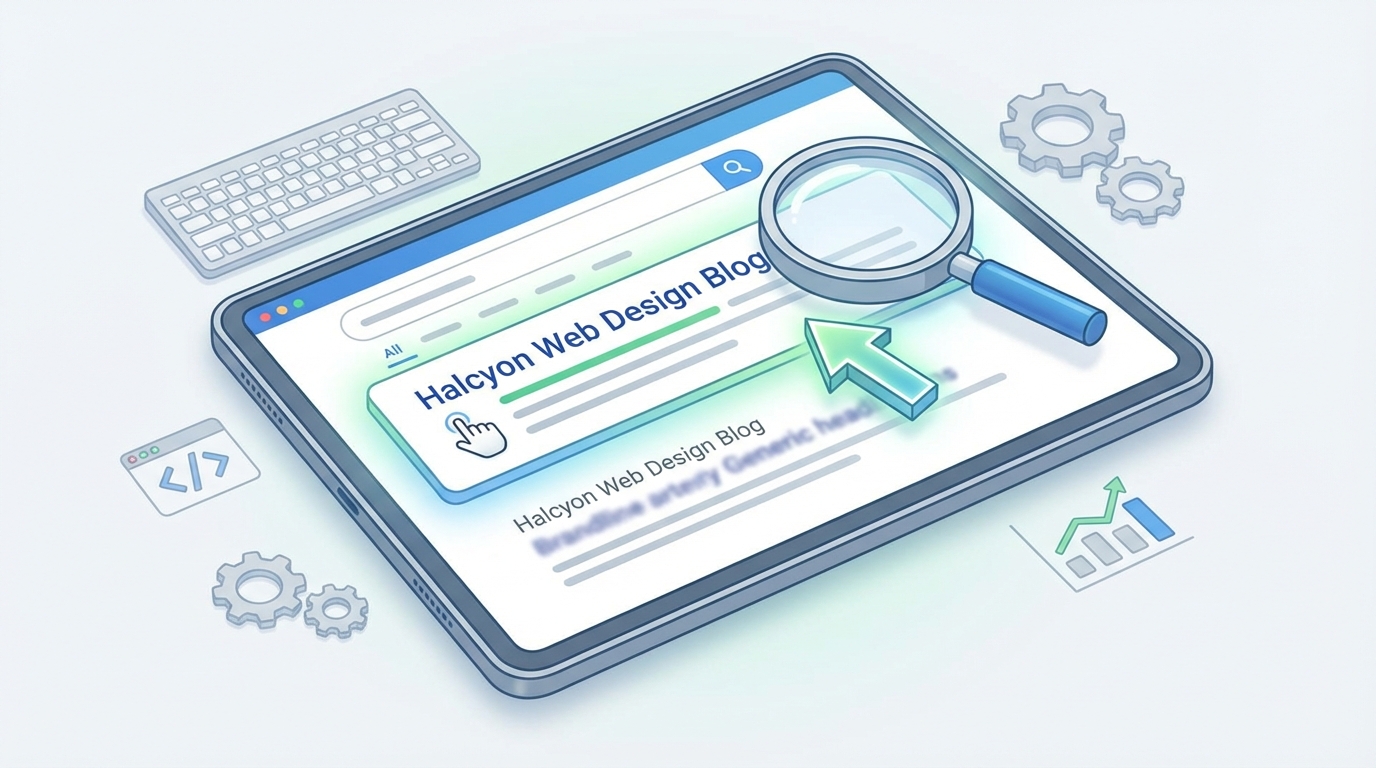
You’ve nailed your headline. Your content is solid. But your search listing sits there, ignored, while competitors grab all the clicks. The problem? Your meta description isn’t doing its job.
Meta descriptions are your search result sales pitch. They don’t directly affect rankings, but they massively influence whether someone clicks your link or scrolls past. Write them with a clear benefit, active voice, and natural keyword placement. Keep them between 140 and 160 characters, include a call to action, and match the searcher’s intent. Done right, they can double your click-through rate.
What meta descriptions actually do
Meta descriptions appear below your page title in search results. They’re the snippet of text that tells searchers what they’ll find if they click.
Google doesn’t use them as a ranking factor. But they affect something arguably more valuable: whether people choose your result over the nine others on the page.
Think of them as ad copy for organic search. You’re competing for attention against other results, and you have roughly 155 characters to make your case.
Sometimes Google rewrites your meta description. It pulls different text from your page if it thinks that better matches the search query. This happens about 70% of the time. But that doesn’t mean you should skip writing them. When your meta description does show up, you want it to be good.
The anatomy of a meta description that works
Great meta descriptions share common elements. They speak directly to what the searcher wants. They promise a clear benefit. And they give people a reason to click right now.
Here’s what to include:
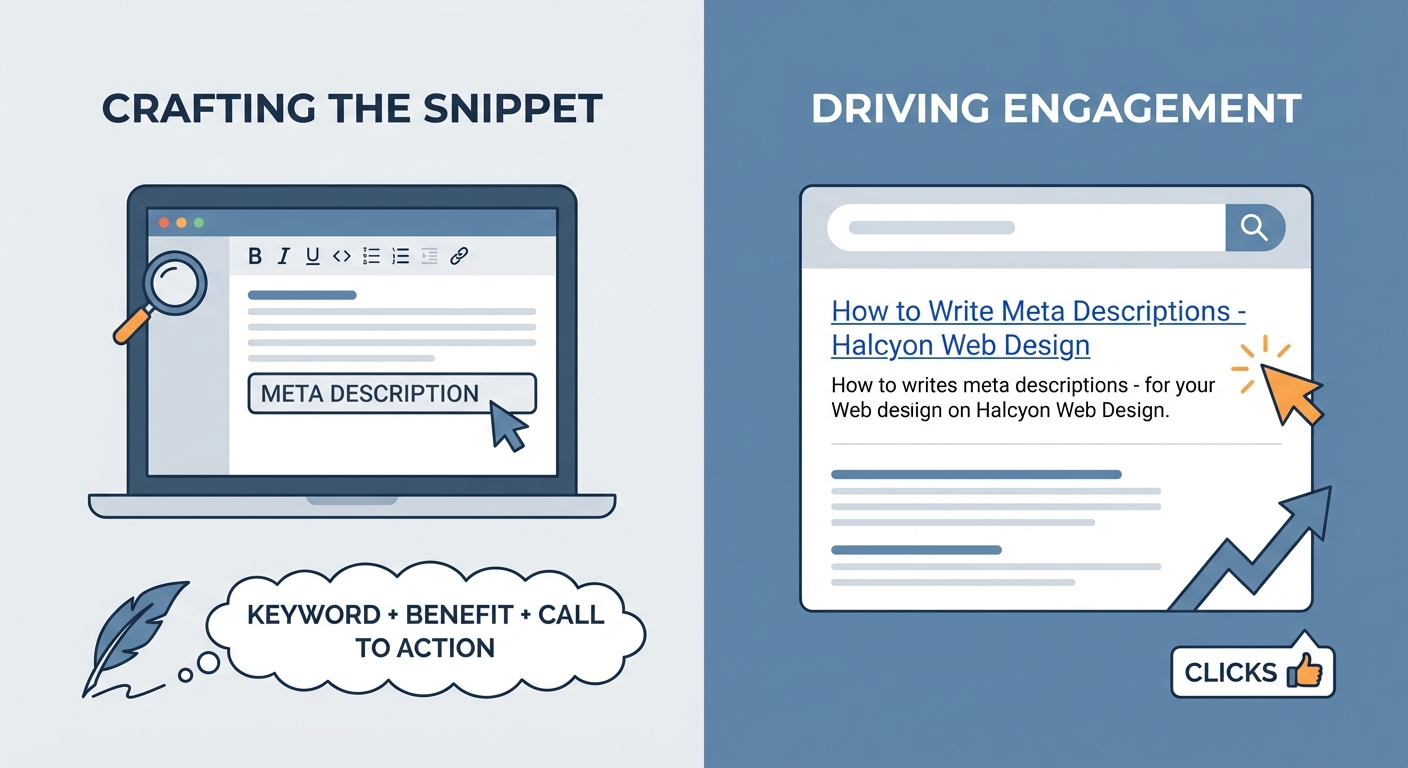
- A clear benefit or answer: Tell people exactly what they’ll get
- The primary keyword: Use it naturally, not stuffed
- Active voice: “Learn how to…” beats “How to… is explained”
- A call to action: “Get started,” “Find out,” “See how”
- Specific details: Numbers, timeframes, or unique angles
Length matters too. Aim for 140 to 160 characters. Google typically cuts off descriptions around 155 to 160 characters on desktop, slightly less on mobile.
Too short and you waste valuable space. Too long and your message gets truncated, often at the worst possible moment.
How to write meta descriptions step by step
Here’s the process that consistently produces descriptions that get clicks.
-
Identify what the searcher actually wants. Look at the search intent behind your target keyword. Are they looking for information? Trying to solve a problem? Ready to buy something? Your meta description should match that intent.
-
Write your benefit first. Start with the most compelling reason to click. What will they learn, fix, or gain? Put this in the first 120 characters since mobile devices show less text.
-
Include your keyword naturally. Google bolds keywords in meta descriptions when they match the search query. This makes your result stand out. But don’t force it. The keyword should fit the sentence naturally.
-
Add specificity. Generic descriptions get ignored. “Learn SEO tips” is weak. “Boost your click-through rate by 40% with these 7 meta description techniques” is specific and compelling.
-
End with a call to action. Tell people what to do next. “Read the guide,” “Get the checklist,” “See examples.” This creates momentum toward the click.
-
Check your character count. Use a character counter or your CMS preview. Aim for 140 to 160 characters total.
Common mistakes that kill your click-through rate
Most meta descriptions fail for predictable reasons. Avoid these and you’re already ahead of 80% of websites.
| Mistake | Why it fails | Better approach |
|---|---|---|
| Keyword stuffing | Reads like spam, Google may rewrite it | Use keyword once, naturally |
| Being too vague | Doesn’t give a reason to click | Include specific benefits or numbers |
| Duplicating across pages | Wastes your unique value proposition | Write custom descriptions for each page |
| Exceeding 160 characters | Gets cut off mid-sentence | Stay within 140-160 characters |
| No call to action | Misses the chance to create urgency | Add “Learn how,” “Get started,” etc. |
| Ignoring search intent | Doesn’t match what people want | Study the SERP and match the intent |
Another mistake: writing them last, when you’re tired. Meta descriptions deserve focused attention. They’re often the first thing people read about your content.
Examples that show the difference
Let’s compare weak and strong meta descriptions for the same page.
Weak: “This article talks about email marketing and provides information about how to do it better for your business.”
Why it fails: Vague, passive voice, no specific benefit, wastes characters on filler words.
Strong: “Boost email open rates by 35% with these 8 proven subject line formulas. Includes real examples and A/B test results.”
Why it works: Specific number, clear benefit, active voice, promises proof, 119 characters.
Weak: “Learn about content strategy in this comprehensive guide that covers everything you need to know.”
Why it fails: Generic, no unique angle, “everything you need to know” is meaningless filler.
Strong: “Build a content strategy that actually drives traffic. Step-by-step framework used by 500+ marketing teams.”
Why it works: Clear outcome, social proof, promises a framework, 118 characters.
Matching meta descriptions to search intent
Different types of searches need different approaches.
For informational searches, focus on what they’ll learn:
“Understand how SSL certificates work in 5 minutes. Plain English explanation with diagrams.”
For commercial searches, emphasize comparison or evaluation:
“Compare the top 5 email platforms for small businesses. Pricing, features, and honest pros and cons.”
For transactional searches, remove friction and build confidence:
“Order custom business cards online. Free shipping, 4-day turnaround, 100% satisfaction guarantee.”
For navigational searches, confirm they’re in the right place:
“Official WordPress plugin directory. 60,000+ free plugins, verified reviews, instant downloads.”
Study the current top 10 results for your target keyword. What angle do their meta descriptions take? What benefits do they promise? This tells you what’s working for that specific search.
Technical details that matter
Meta descriptions go in your page’s HTML head section. Most content management systems give you a field to enter them without touching code.
The HTML looks like this:
If you’re using WordPress, plugins like Yoast SEO or Rank Math provide meta description fields on every page and post.
Don’t leave them blank. If you don’t write a meta description, Google will auto-generate one from your page content. Sometimes this works fine. Often it doesn’t, pulling random sentences that make no sense out of context.
For product pages, include key details: price range, shipping info, unique selling points.
For blog posts, tease the main insight or framework.
For service pages, focus on the outcome or transformation.
Testing and improving your descriptions
Your first draft won’t always be your best. Track performance and refine based on data.
Google Search Console shows your click-through rate for each page. Look for pages with high impressions but low CTR. These are prime candidates for meta description rewrites.
Try different approaches:
- Lead with a question vs. a statement
- Include a number vs. keeping it general
- Use “you” language vs. third person
- Promise speed (“in 10 minutes”) vs. thoroughness (“complete guide”)
Change one meta description at a time. Wait two weeks. Check if CTR improved. This isn’t perfect A/B testing, but it gives you directional feedback.
“The best meta descriptions sound like a helpful friend answering exactly what you searched for. They don’t try to trick you or oversell. They simply make it obvious that this result has what you need.” — Content strategist recommendation
Special cases and edge scenarios
Some pages need different approaches.
Homepage meta descriptions should summarize your entire site’s value proposition. Who you help and how.
Category pages should explain what’s in the category and why someone would browse it.
About pages should highlight your unique story or credentials, not just say “Learn about us.”
Contact pages can include response time, availability, or what happens after someone reaches out.
If your page targets multiple related keywords, write for the primary one. You can’t optimize for everything in 155 characters.
For pages that rank for hundreds of long-tail variations, focus on the core topic. Google will often rewrite your description to match specific queries anyway.
Tools that make the process easier
You don’t need fancy tools, but these help:
Character counters: Most SEO plugins include them. Or use a simple online counter.
SERP preview tools: See how your title and description will look in search results before publishing.
Competitor analysis tools: See what meta descriptions currently rank in the top 10 for your target keyword.
Search Console: Track which pages have low CTR and need better descriptions.
The most important tool is your judgment. No formula replaces understanding your audience and what motivates them to click.
Making meta descriptions part of your workflow
Don’t treat meta descriptions as an afterthought. Build them into your content creation process.
Before you publish any page:
- Write 3 different meta description options
- Check the character count on each
- Read them out loud to catch awkward phrasing
- Pick the one that best matches search intent
- Preview how it looks in search results
- Publish and track CTR after two weeks
For existing pages, audit your meta descriptions quarterly. Search behavior changes. Your content evolves. What worked six months ago might need refreshing.
Set a reminder to review your top 20 landing pages every three months. Update any descriptions that feel stale or don’t reflect current search intent.
Your meta descriptions are working harder than you think
Every search result is a choice. Your meta description is your pitch for why someone should pick you.
Most websites phone it in. They auto-generate descriptions or write bland summaries that could apply to any page. That’s your opportunity.
Spend 10 focused minutes on each meta description. Think about the person searching. What do they need to see to know your page has the answer? Write that.
Your click-through rate will tell you if you got it right. And higher CTR means more traffic, even if your ranking stays exactly the same.
Start with your homepage and your top 10 pages by traffic. Rewrite those meta descriptions using the framework above. Track the results. Then work through the rest of your site.
The difference between a lazy meta description and a compelling one is often just a few minutes of thought. But those minutes can double your clicks.