
You check Google Search Console and see dozens of pages stuck in limbo. Google visited them, scanned them, but decided not to add them to its index. No index means no rankings, no traffic, and no results from all your hard work.
This frustrating status appears more often than most site owners expect. Google crawls billions of pages daily but indexes only a fraction of what it finds. Understanding why your content gets left behind is the first step toward fixing it.
The crawled currently not indexed status means Google visited your page but chose not to include it in search results. Common causes include thin content, duplicate material, low quality signals, or pages Google considers unimportant. Fix this by improving content quality, adding internal links, removing duplicates, and ensuring your pages offer genuine value that other indexed pages don’t already provide.
What crawled currently not indexed actually means
Google’s crawlers visit your page and read everything on it. They process the HTML, follow links, and understand the content structure. But after this complete scan, Google decides the page doesn’t deserve a spot in its search index.
This differs from pages that never get crawled at all. Google found your content, analyzed it, and made a conscious choice to exclude it. The decision happens after crawling, not before.
Think of it like a job application that gets reviewed but rejected. The hiring manager read your resume but decided not to move forward. Google performed the technical work of crawling but stopped short of the final step.
The status appears in Google Search Console under the Pages report. You’ll see it listed alongside other indexing issues, often affecting multiple URLs at once. Some sites have just a handful of affected pages while others see hundreds stuck in this state.
Why Google skips indexing crawled pages
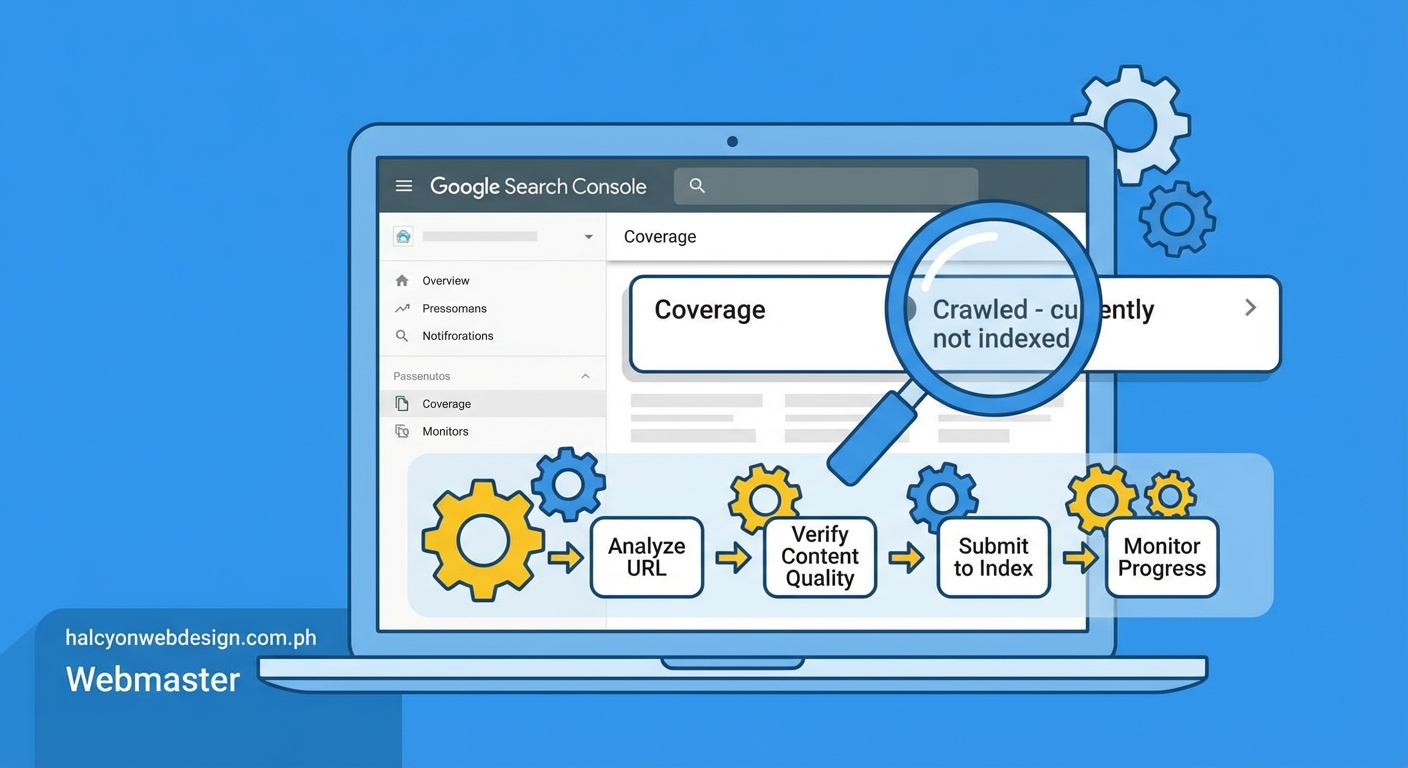
Google maintains quality standards for its index. Every page takes up storage space and processing power. Adding low value content dilutes search results and wastes resources.
Several factors trigger this exclusion. Thin content ranks high on the list. Pages with just a few sentences, minimal unique information, or mostly boilerplate text don’t make the cut. Google already has millions of pages on most topics and won’t index yours unless it adds something new.
Duplicate content creates another common problem. If your page closely matches content already in Google’s index, whether on your site or elsewhere, Google picks one version and ignores the rest. This affects product pages with similar descriptions, blog posts that rehash the same points, and pages that quote large blocks of text from other sources.
Technical issues can also prevent indexing. Pages that load slowly, return error codes intermittently, or have rendering problems might get crawled but not indexed. Google needs to access and understand your content reliably before committing to index it.
Low authority signals matter too. New sites with few backlinks and little traffic often see pages crawled but not indexed. Google tests the waters by crawling but waits for quality signals before indexing everything.
Crawl budget limitations affect large sites. Google allocates limited resources to each domain. If your site has thousands of pages, Google might crawl many but index only the ones it considers most valuable.
Pages need to earn their place in Google’s index by offering something unique, valuable, and well executed that users can’t easily find elsewhere.
Step by step diagnosis process
Start by identifying which pages have this status. Log into Google Search Console and navigate to the Pages report under Indexing. Look for the crawled currently not indexed category and click to see the full list of affected URLs.
Export this list and organize it by page type. Group similar URLs together like blog posts, product pages, category pages, or landing pages. Patterns often emerge that point to specific problems.
Check each page’s content depth. Open several affected URLs and honestly assess what they offer. Count the word count, evaluate the unique information provided, and compare them to your indexed pages. Most crawled but not indexed pages have noticeably less substance.
Look for duplicate content issues. Copy a unique sentence from an affected page and search for it in Google with quotation marks. If you find the same content on other pages, you’ve identified a duplication problem.
Review internal linking structure. Pages with few or no internal links pointing to them signal low importance to Google. Check how many times other pages on your site link to the affected URLs.
Examine the pages’ purpose and value. Ask yourself whether users genuinely need this page or if it exists only to target keywords. Google has gotten better at recognizing pages created primarily for search engines rather than humans.
Test page speed and mobile usability. Use Google’s PageSpeed Insights tool to check if technical problems might be contributing. Slow loading times or mobile issues can prevent indexing even after successful crawling.
Proven fixes that work
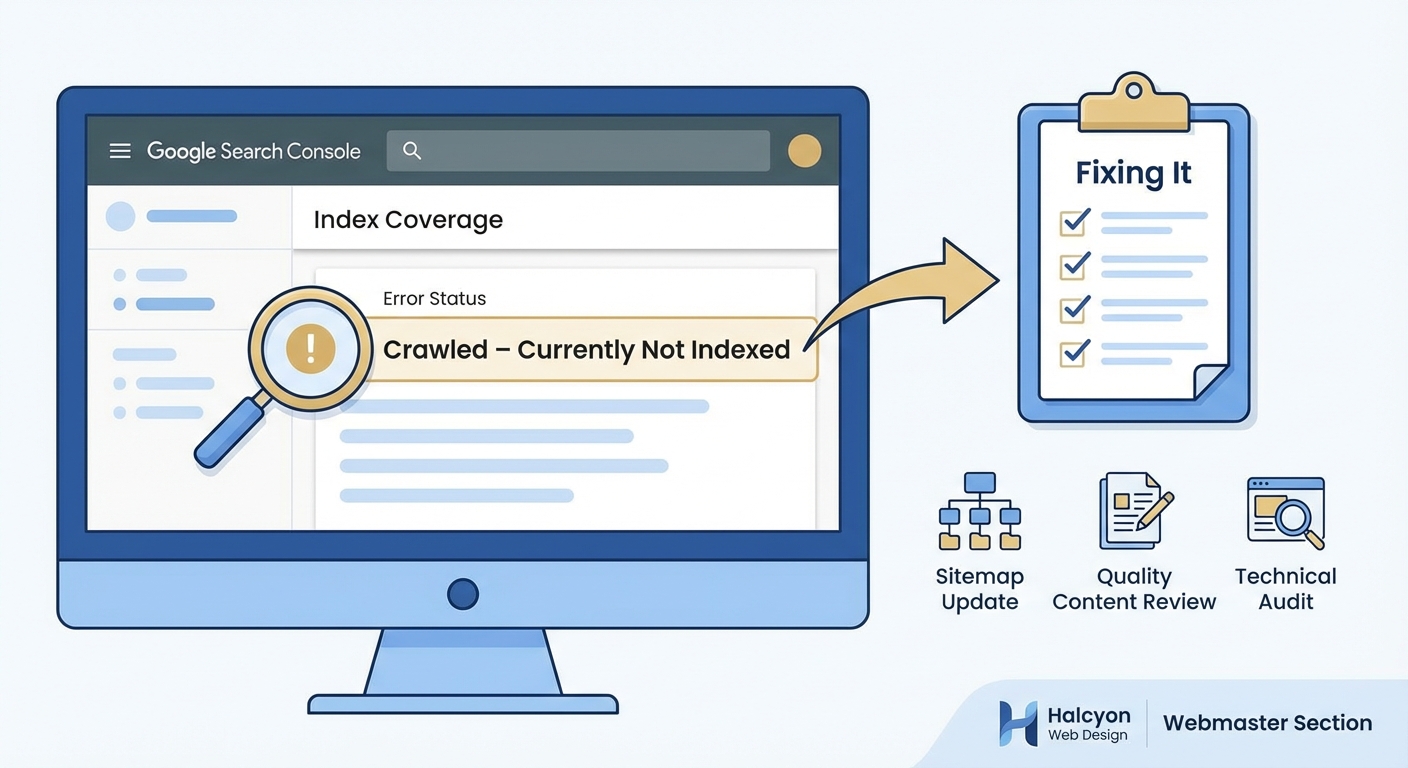
Improving content quality solves most crawled currently not indexed problems. Add substantial, unique information to affected pages. Aim for at least 800 to 1000 words of original content that thoroughly covers the topic. Include specific examples, detailed explanations, and insights users can’t find elsewhere.
Consolidate duplicate or similar pages. If you have multiple pages covering nearly identical topics, merge them into one comprehensive resource. Set up 301 redirects from the old URLs to the consolidated version. This concentrates your authority and eliminates the duplication issue.
Build internal links to affected pages. Add contextual links from your high performing, already indexed pages to the ones stuck in limbo. Use descriptive anchor text that clearly indicates what the linked page covers. Three to five quality internal links can significantly boost a page’s perceived importance.
Update and refresh older content. Pages that haven’t changed in years often lose their indexing priority. Add new information, update statistics, include recent examples, and revise outdated sections. Change the publication date to reflect the update.
Remove or noindex truly low value pages. Some pages don’t deserve indexing and never will. Thin category pages, tag archives with minimal content, or placeholder pages should either be improved dramatically or excluded via robots.txt or noindex tags. This helps Google focus its crawl budget on pages that matter.
Improve page speed and technical performance. Compress images, minimize code, enable caching, and fix any errors that slow down loading. Google prefers to index pages that provide good user experiences.
Request indexing through Google Search Console. After making improvements, use the URL Inspection tool to request indexing for specific pages. This won’t guarantee indexing but signals to Google that you’ve made changes worth reviewing.
Common mistakes that make things worse
Many site owners add more pages thinking quantity will help. This backfires. Creating additional thin content makes the problem worse by further diluting your site’s quality signals. Focus on improving existing pages rather than publishing more mediocre content.
Forcing crawls without making improvements wastes time. Repeatedly requesting indexing through Search Console won’t help if you haven’t addressed the underlying quality issues. Google will keep making the same decision.
Copying content from other sources and lightly rewriting it doesn’t work. Google recognizes paraphrased duplicate content. Your pages need genuinely original information and perspectives.
Stuffing keywords into thin content creates more problems. Adding keyword variations to short, low value pages signals manipulation rather than quality. Focus on comprehensive coverage instead of keyword density.
Ignoring user intent leads to indexing problems. Pages optimized for search engines but useless to actual humans get filtered out. Write for your audience first and optimize for search second.
Neglecting mobile optimization hurts indexing chances. Google uses mobile first indexing, meaning it primarily evaluates your mobile version. If your pages work poorly on phones, indexing becomes less likely.
Tracking your progress
Monitor the crawled currently not indexed count in Google Search Console weekly. After implementing fixes, you should see the number gradually decrease over several weeks. Indexing doesn’t happen overnight, so patience matters.
Set up custom reports or spreadsheets to track specific URLs. Note when you made improvements and watch for status changes. This helps you identify which fixes work best for your site.
Check for increases in indexed pages. The Pages report shows your total indexed count. As crawled but not indexed pages get resolved, your indexed total should rise correspondingly.
Watch for traffic improvements. Once pages move from crawled to indexed, they can start ranking and driving traffic. Monitor Google Analytics to see if the affected URLs begin generating visits.
Pay attention to crawl stats. The Crawl Stats report in Search Console shows crawling trends. Increased crawling of previously ignored pages often precedes indexing.
| Fix applied | Expected timeline | Success indicator |
|---|---|---|
| Content expansion | 2 to 4 weeks | Page appears in index |
| Duplicate removal | 1 to 3 weeks | Canonical version indexed |
| Internal linking | 3 to 6 weeks | Increased crawl frequency |
| Technical improvements | 1 to 2 weeks | Faster page speed scores |
| Content consolidation | 2 to 5 weeks | Merged page ranks better |
Prevention strategies for new content
Build substantial content from the start. Before publishing any page, ensure it contains enough unique, valuable information to justify indexing. Aim for depth over breadth.
Plan your site structure carefully. Every page should have a clear purpose and fit logically into your information architecture. Avoid creating pages just because you can.
Implement strong internal linking from day one. Link to new pages from relevant existing content immediately after publishing. This signals importance and helps Google discover and evaluate new content faster.
Avoid publishing placeholder or coming soon pages. These thin pages often get crawled but not indexed and can hurt your site’s overall quality perception. Wait until you have complete content before making pages live.
Use canonical tags correctly. When you must have similar pages, specify which version should be indexed using canonical tags. This prevents duplicate content issues before they start.
Monitor new pages closely. Check Google Search Console weekly after publishing new content. If pages show up as crawled but not indexed, address problems immediately rather than letting them accumulate.
Focus on user value in every piece of content. Ask yourself whether each page genuinely helps your audience accomplish something or learn something they couldn’t find elsewhere. If the answer is no, don’t publish it.
When to seek professional help
Some crawled currently not indexed problems resist standard fixes. If you’ve implemented improvements for several months without seeing results, technical SEO issues might be involved.
Large sites with thousands of affected pages often need systematic audits. A professional can identify patterns and root causes that aren’t obvious from manual review.
Sites that have been penalized or have complicated technical setups benefit from expert analysis. Problems with JavaScript rendering, server configurations, or complex redirect chains require specialized knowledge.
E-commerce sites with many product pages face unique challenges. Professional help can implement solutions that scale across hundreds or thousands of similar pages efficiently.
Consider getting help if your business depends heavily on organic traffic and indexing problems are causing significant revenue loss. The cost of professional services often pays for itself through recovered traffic.
Getting pages indexed for good
The crawled currently not indexed status frustrates site owners but it’s fixable. Google wants to index quality content that serves users. Your job is proving your pages meet that standard.
Start with honest assessment. Look at your affected pages through Google’s eyes. Do they offer something valuable and unique? If not, improve them or remove them.
Make systematic improvements rather than random changes. Work through your list methodically, applying the fixes that match your specific problems. Track results and adjust your approach based on what works.
Remember that indexing is earned, not automatic. Every page competes for limited space in Google’s index. The ones that provide the most value to users win that competition.
Stay patient but persistent. Indexing changes take time but consistent effort pays off. Keep creating great content, building internal links, and maintaining technical excellence. Your pages will find their way into the index when they’re ready.