You’ve launched your website. Traffic is growing. Then you see that “Not Secure” warning in the browser bar.
Time to get an SSL certificate. But should you grab a free one or pay for premium protection?
The answer isn’t always obvious. Free SSL certificates have come a long way since their introduction. Paid options still dominate enterprise websites. The right choice depends on what you’re protecting and who you’re protecting it from.
Free SSL certificates provide basic encryption for blogs and small sites, while paid certificates offer extended validation, warranties, and dedicated support. Your choice depends on website type, budget, and trust requirements. Most small businesses succeed with free certificates, but ecommerce sites and enterprises benefit from paid options with stronger trust signals and liability coverage worth thousands of dollars.
Understanding SSL certificates and what they actually do
SSL certificates encrypt data between your website and visitors. They turn HTTP into HTTPS. They activate that padlock icon in the address bar.
Every SSL certificate does three things. It encrypts sensitive information. It authenticates your website identity. It builds visitor trust through visual indicators.
The encryption part works identically across free and paid certificates. A 256-bit encryption from Let’s Encrypt protects data just as well as one from DigiCert. Browsers don’t discriminate based on price.
The difference shows up in validation levels, support quality, and trust signals. That’s where your decision gets interesting.
What free SSL certificates include and what they don’t
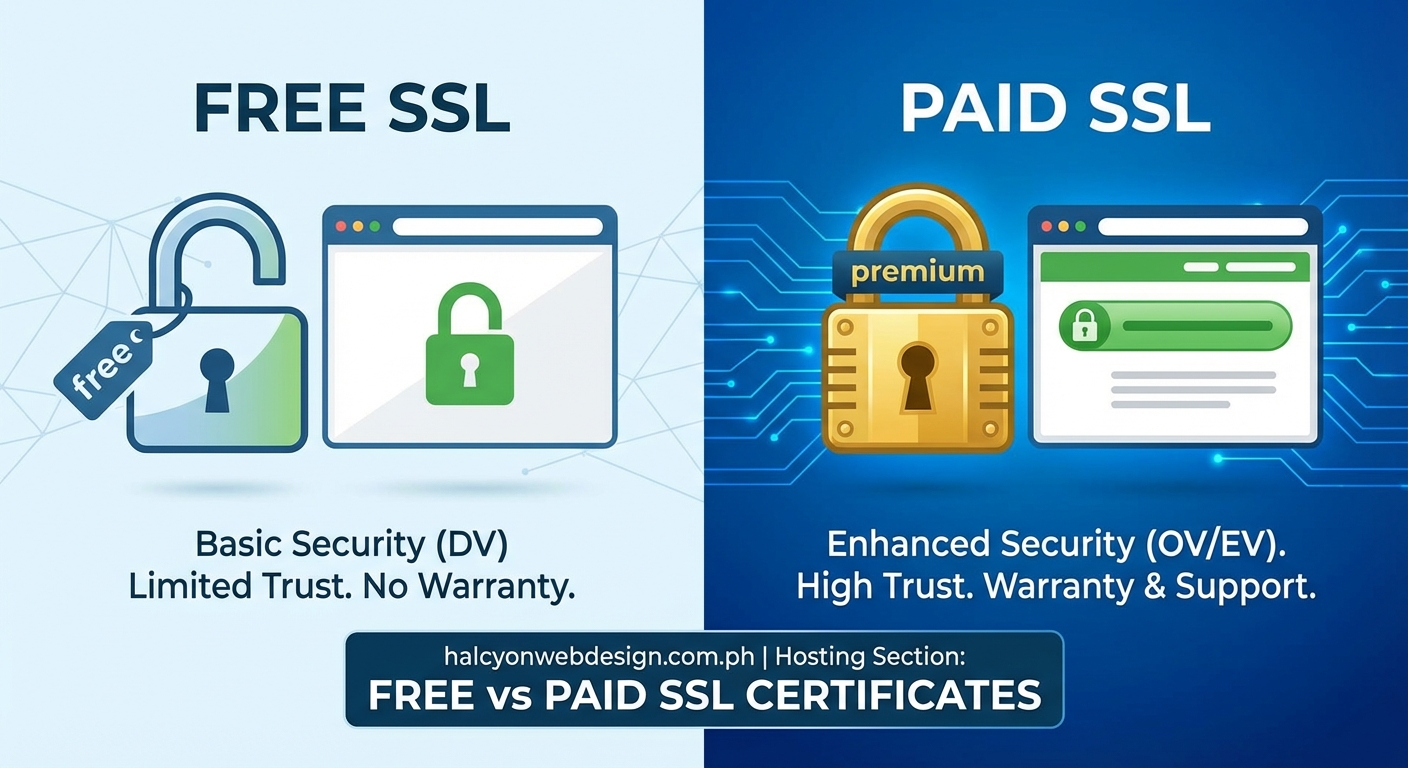
Free SSL certificates come from providers like Let’s Encrypt, Cloudflare, and ZeroSSL. Most web hosts bundle them automatically with hosting plans.
Here’s what you get with a free certificate:
- Domain validation only
- 90-day validity period with auto-renewal
- Basic encryption (same strength as paid options)
- No monetary warranty
- Community support forums
- Single domain or wildcard coverage
- Automated installation through hosting panels
Domain validation means the certificate authority only verifies you control the domain. They check DNS records or email confirmation. The process takes minutes.
Free certificates renew every 90 days. This sounds inconvenient, but modern hosting platforms handle renewals automatically. You’ll never notice the cycle if your hosting plan is configured correctly.
The missing pieces matter for certain websites. You won’t get a warranty that covers data breaches. Support comes from community forums, not dedicated teams. Business validation and extended validation aren’t available.
Most importantly, free certificates don’t display your company name in the address bar. Visitors see the padlock, but no additional trust signals.
What paid SSL certificates bring to the table
Paid SSL certificates start around $10 per year and climb to $1,500 for enterprise options. The price buys more than encryption.
Paid certificates offer three validation levels:
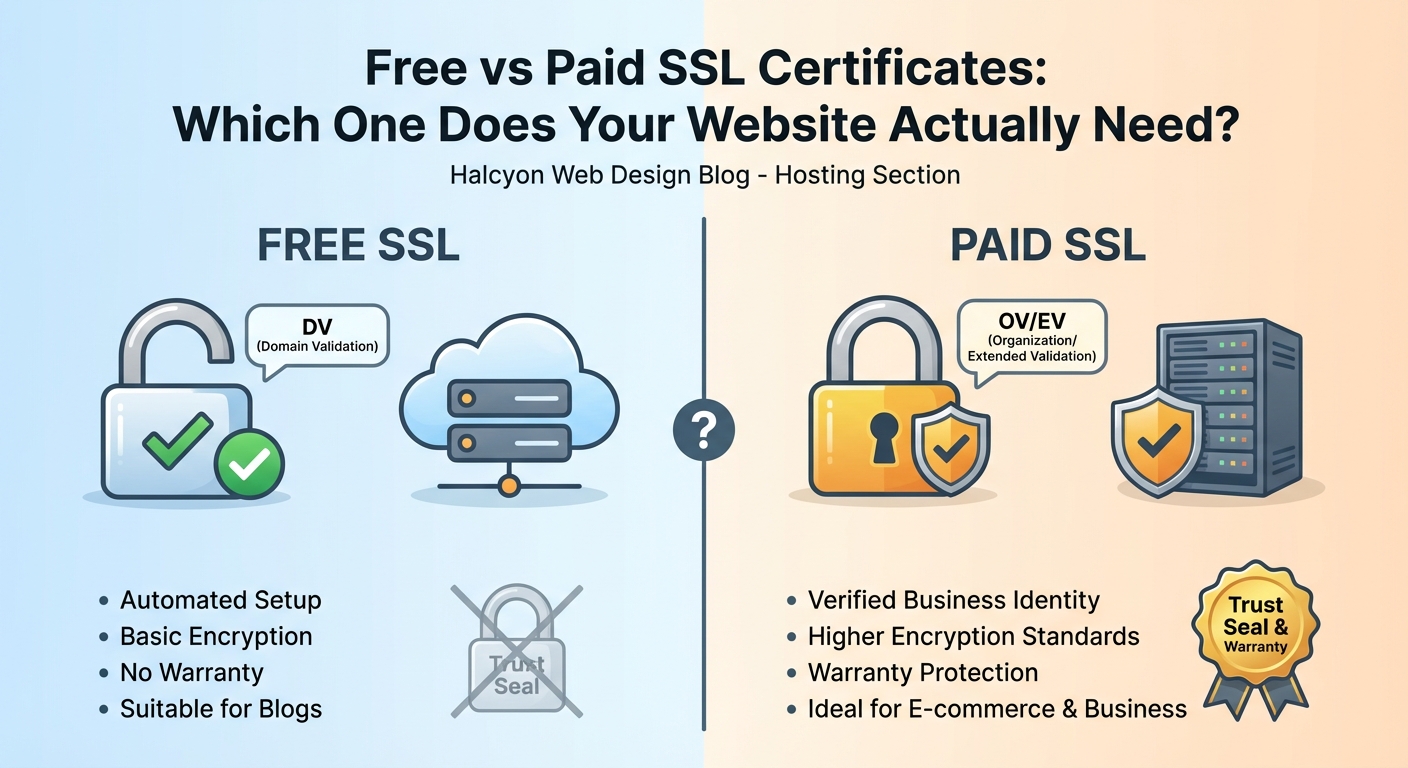
- Domain Validation (DV): Verifies domain ownership only, similar to free options but with longer validity periods and support
- Organization Validation (OV): Confirms your business exists through registry checks and phone verification
- Extended Validation (EV): Displays your company name in the address bar after rigorous identity verification
The validation process for OV certificates takes one to three business days. EV validation requires two to seven days and includes legal documentation review.
Warranties separate paid certificates from free ones. A basic paid certificate might include a $10,000 warranty. Premium options offer coverage up to $1.75 million. This warranty compensates customers if encryption fails due to certificate authority errors.
Support quality jumps significantly. You get phone support, dedicated account managers for enterprise plans, and guaranteed response times. When your certificate breaks at 2 AM before a product launch, this matters.
Paid certificates also last longer. Most run for one year, reducing renewal frequency compared to 90-day free options.
Comparing features side by side
| Feature | Free SSL | Paid SSL (DV) | Paid SSL (OV/EV) |
|---|---|---|---|
| Encryption strength | 256-bit | 256-bit | 256-bit |
| Validation level | Domain only | Domain only | Organization/Extended |
| Validity period | 90 days | 1 year | 1 year |
| Warranty coverage | $0 | $10,000+ | $250,000+ |
| Support type | Community forums | Email/Phone | Priority phone |
| Company name display | No | No | Yes (EV only) |
| Installation | Automated | Automated/Manual | Manual verification |
| Cost | Free | $10-$100/year | $150-$1,500/year |
The encryption column tells an important story. Security strength is identical across all options. A hacker can’t break a free certificate any easier than a paid one.
Trust signals and business protection create the real differences. An ecommerce site processing credit cards needs different validation than a personal blog.
When free SSL certificates make perfect sense
Free certificates work brilliantly for specific website types. Personal blogs run perfectly fine on Let’s Encrypt. Portfolio sites need nothing more. Small business websites without payment processing succeed with free options.
You should choose free SSL if:
- You run a blog, portfolio, or informational site
- You don’t process payments directly on your site
- Your hosting provider offers automated installation
- You don’t need phone support for certificate issues
- Your business doesn’t require validation beyond domain ownership
Many successful businesses operate entirely on free certificates. They redirect payment processing to Stripe or PayPal, which handle encryption separately. The main website just needs basic HTTPS.
Community support for Let’s Encrypt is excellent. Millions of websites use it. Most common issues have documented solutions. Your hosting provider probably offers installation guides specific to their platform.
Free certificates also make sense during website development. You can test HTTPS functionality without spending money. Switch to paid options before launch if your business model requires it.
When paid SSL certificates become necessary
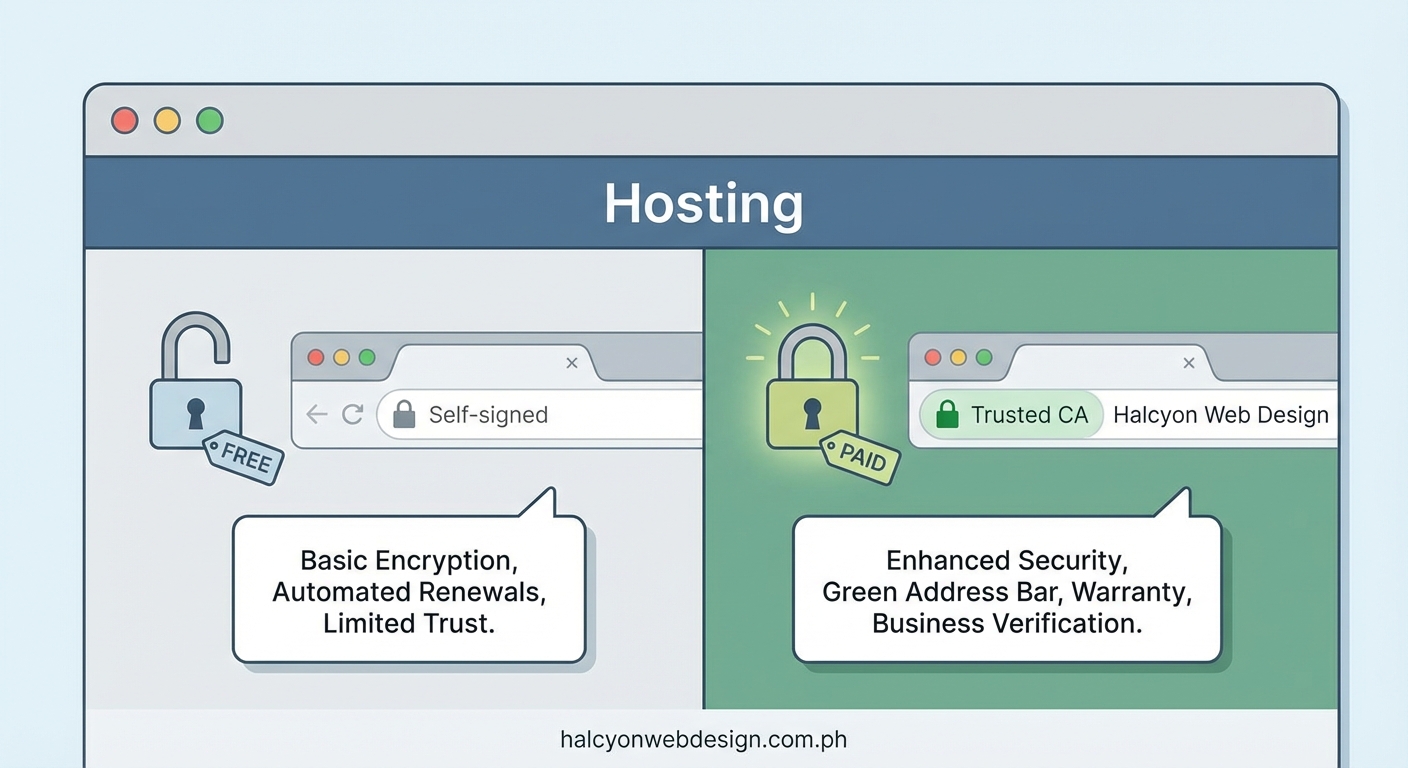
Certain websites need the extra features paid certificates provide. Ecommerce sites benefit from warranties and validation. Corporate websites require company name display for credibility.
Choose paid SSL certificates when:
- You process credit card payments directly on your site
- Your industry requires specific compliance certifications
- Customers need to see your company name for trust
- You want warranty protection against certificate failures
- Phone support matters for your business continuity
- You operate in financial services, healthcare, or legal sectors
Extended validation certificates display your company name in green text next to the padlock. This visual trust signal reduces cart abandonment for online stores. Studies show customers feel more confident entering payment information when they see business verification.
The warranty coverage protects your business and customers. If the certificate authority makes an error that leads to a data breach, the warranty pays claims. Free certificates offer zero coverage.
Paid certificates aren’t about stronger encryption. They’re about proving your business is legitimate and backing that proof with financial guarantees.
Compliance requirements sometimes force the paid certificate decision. PCI DSS for payment processing doesn’t require paid certificates, but auditors often prefer seeing organizational validation. HIPAA compliance for healthcare data benefits from the additional verification layers.
How to install and manage each certificate type
Installing a free SSL certificate through most hosting providers takes three steps:
- Log into your hosting control panel (cPanel, Plesk, or custom dashboard)
- Navigate to the SSL/TLS section or security settings
- Click the auto-install button for Let’s Encrypt or similar provider
The certificate activates within minutes. Automatic renewal handles future updates. You won’t touch the certificate again unless you change hosting providers.
Manual installation requires more technical knowledge. You generate a certificate signing request (CSR), submit it to the certificate authority, and install the returned files on your server. Most small business owners avoid this process by choosing hosting with built-in SSL management.
Paid certificate installation follows similar paths. Some providers offer automated installation. Others require manual CSR generation and file uploads. The validation process adds extra steps for OV and EV certificates.
You’ll need to provide business documentation for organizational validation. This includes:
- Business registration documents
- Phone number verification
- Physical address confirmation
- Authorized representative identification
Extended validation requires even more documentation. Plan for multiple rounds of verification emails and phone calls.
Certificate management becomes simpler when you choose the right hosting plan that handles renewals automatically. Manual renewals create security gaps if you forget the expiration date.
Common mistakes that leave websites vulnerable
The biggest SSL mistake is choosing based on price alone. Free isn’t always worse. Expensive isn’t always better. Match the certificate to your actual security needs.
Letting certificates expire ranks as the second most common error. Expired certificates trigger scary browser warnings that send visitors running. Set calendar reminders three weeks before expiration if you manage renewals manually.
Mixed content errors plague newly secured websites. Your certificate works perfectly, but some images or scripts still load over HTTP instead of HTTPS. Browsers show “Not Secure” warnings despite having a valid certificate. Check every resource on your pages loads through HTTPS.
Skipping the HTTPS redirect leaves your site accessible through both HTTP and HTTPS. Search engines see this as duplicate content. Visitors might land on the unsecured version. Always implement 301 redirects from HTTP to HTTPS.
Installing certificates on the wrong domain creates validation failures. A certificate for www.example.com won’t work for example.com without the www prefix. Wildcard certificates solve this problem by covering all subdomains.
Many website owners assume SSL certificates slow down their sites. Modern servers handle HTTPS efficiently. Any speed impact is negligible, especially compared to other factors that slow WordPress sites.
Making your decision with confidence
Start by identifying your website type and business model. A personal blog needs different protection than an online store.
Ask yourself these questions:
- Do I process payments directly on my site?
- Does my industry require specific compliance standards?
- Will customers question my business legitimacy without validation?
- Can I manage certificate renewals every 90 days?
- Do I need phone support for technical issues?
Your answers point toward free or paid options naturally. Most small businesses discover free certificates meet their needs perfectly. Ecommerce sites and enterprises usually benefit from paid validation.
Budget considerations matter, but security isn’t the place to cut corners recklessly. A $50 annual certificate is insignificant compared to the revenue loss from a data breach or customer trust issues.
Test free options first if you’re unsure. You can always upgrade to paid certificates later. The migration process is straightforward. Your website won’t experience downtime during the switch.
Remember that SSL certificates protect data in transit. They don’t secure your WordPress login page or prevent plugin vulnerabilities. Think of certificates as one layer in your complete security strategy.
Getting your certificate installed today
Free and paid SSL certificates both encrypt your website traffic effectively. The choice comes down to validation levels, support needs, and trust signals rather than security strength.
Start with free SSL if you run a blog, portfolio, or small business site without direct payment processing. Most hosting providers install Let’s Encrypt certificates automatically. You’ll have HTTPS running in under five minutes.
Upgrade to paid certificates when you need organizational validation, warranty coverage, or extended validation with company name display. The investment makes sense for ecommerce sites, professional services, and any business where customer trust directly impacts revenue.
Your website visitors deserve encrypted connections regardless of which option you choose. Pick the certificate that matches your current needs. You can always adjust as your website grows and requirements change.