
You’ve published 20 blog posts, but they’re sitting on your site like islands. No bridges connecting them. No paths for visitors to follow. Google’s crawlers are confused, and your best content stays buried on page three of search results.
Internal links fix this problem.
They create highways between your pages. They tell search engines which content matters most. They guide visitors from one helpful article to the next. And unlike backlinks, you control every single one.
Internal linking connects your website pages through clickable text anchors, helping search engines understand your site structure while guiding visitors to related content. A smart internal linking strategy for beginners focuses on linking from high-authority pages to important content, using descriptive anchor text, and maintaining a logical hierarchy that benefits both users and search rankings without overwhelming your pages.
What internal links actually do for your site
Internal links are clickable text on one page that takes you to another page on the same website. They’re different from external links, which point to other websites.
Search engines follow these links to find new pages. The more internal links pointing to a page, the more important that page appears to Google. This concept is called link equity or “link juice.”
But internal links aren’t just for robots.
They help real people find related content. Someone reading your guide on choosing the right WordPress hosting plan might want to know about essential WordPress settings next. Internal links make that journey seamless.
Here’s what happens when you ignore internal linking:
- New content gets zero visibility
- Important pages rank lower than they should
- Visitors leave after reading one article
- Search engines struggle to understand your site structure
- Older content becomes forgotten and outdated
The three types of internal links you need to know
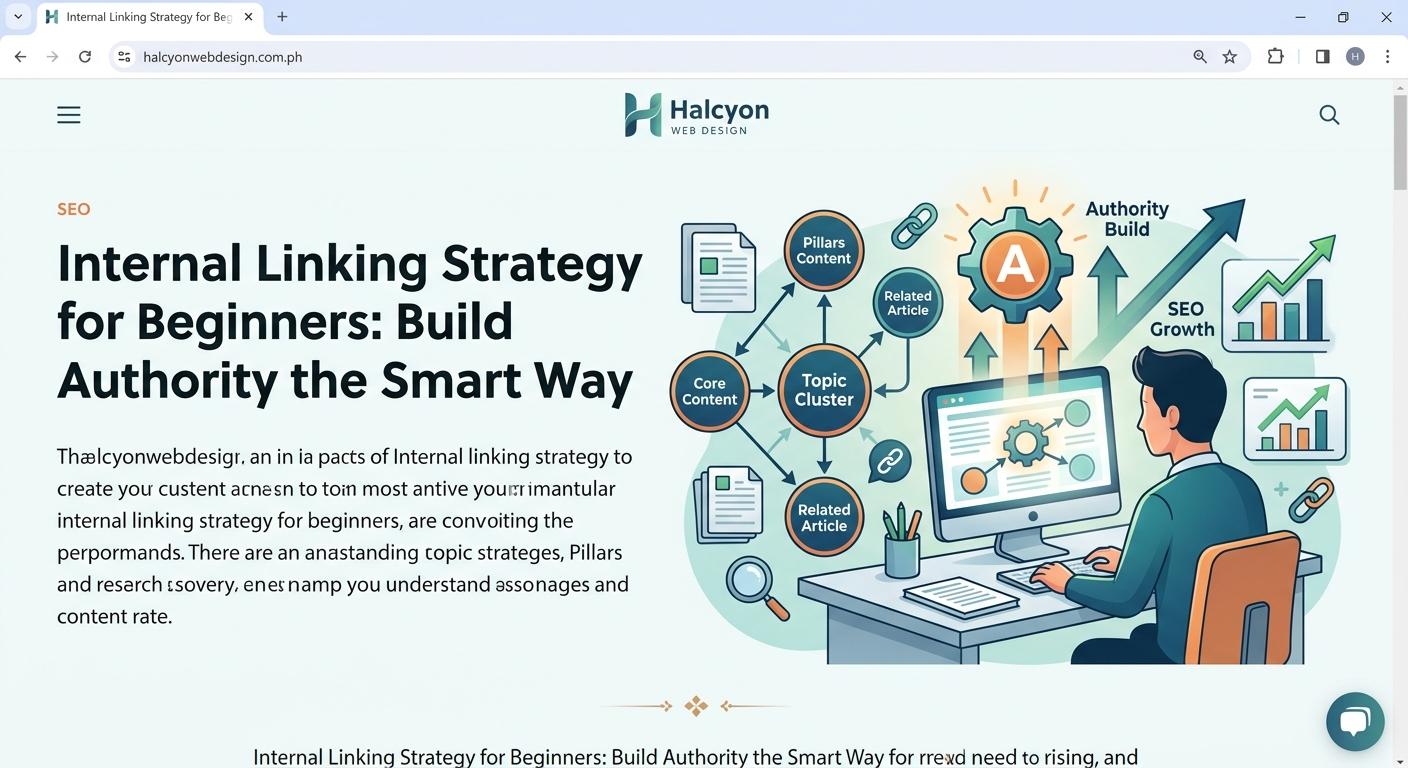
Not all internal links work the same way. Understanding the difference helps you build a stronger strategy.
Navigation links appear in your menu, footer, and sidebar. They’re on every page. They help visitors move around your site and establish your main topic categories. These carry significant weight because they appear sitewide.
Contextual links sit inside your content. They’re the most valuable type for SEO. When you mention a related topic in an article, you add a link to another relevant page. These links feel natural and provide genuine value to readers.
Breadcrumb links show the path from your homepage to the current page. They look like this: Home > Blog > SEO > Internal Linking. They help both users and search engines understand where a page fits in your site hierarchy.
Most beginners focus only on navigation links. That’s a mistake. Contextual links within your content carry more SEO power because they’re surrounded by relevant text that gives search engines context.
How to identify your most important pages
Before you start adding links everywhere, you need to know which pages deserve the most attention. These become your link destinations.
Start with pages that generate revenue or conversions. For an e-commerce site, that’s product pages. For a service business, that’s your contact or booking page. For a blog, that’s posts with affiliate links or email signup forms.
Next, identify your cornerstone content. These are comprehensive guides that cover major topics in your niche. They’re typically longer than 2,000 words. They target competitive keywords. They’re the pages you want ranking first.
Check your analytics to find pages with high traffic but low time on page. These need internal links to related content that keeps visitors engaged.
Look for pages with good rankings (positions 4 to 10) that could climb higher with more internal link support. Even one or two additional contextual links can push them to page one.
Here’s a simple prioritization framework:
| Page Type | Link Priority | Why It Matters |
|---|---|---|
| Homepage | Highest | Distributes authority to all major sections |
| Cornerstone content | Highest | Targets competitive keywords, needs maximum support |
| New posts | High | Needs discovery and initial authority boost |
| Category pages | Medium | Organizes content, helps site structure |
| Older posts | Medium | Prevents content decay, maintains relevance |
| About/Contact | Low | Important for users but not for SEO rankings |
Building your first internal linking workflow
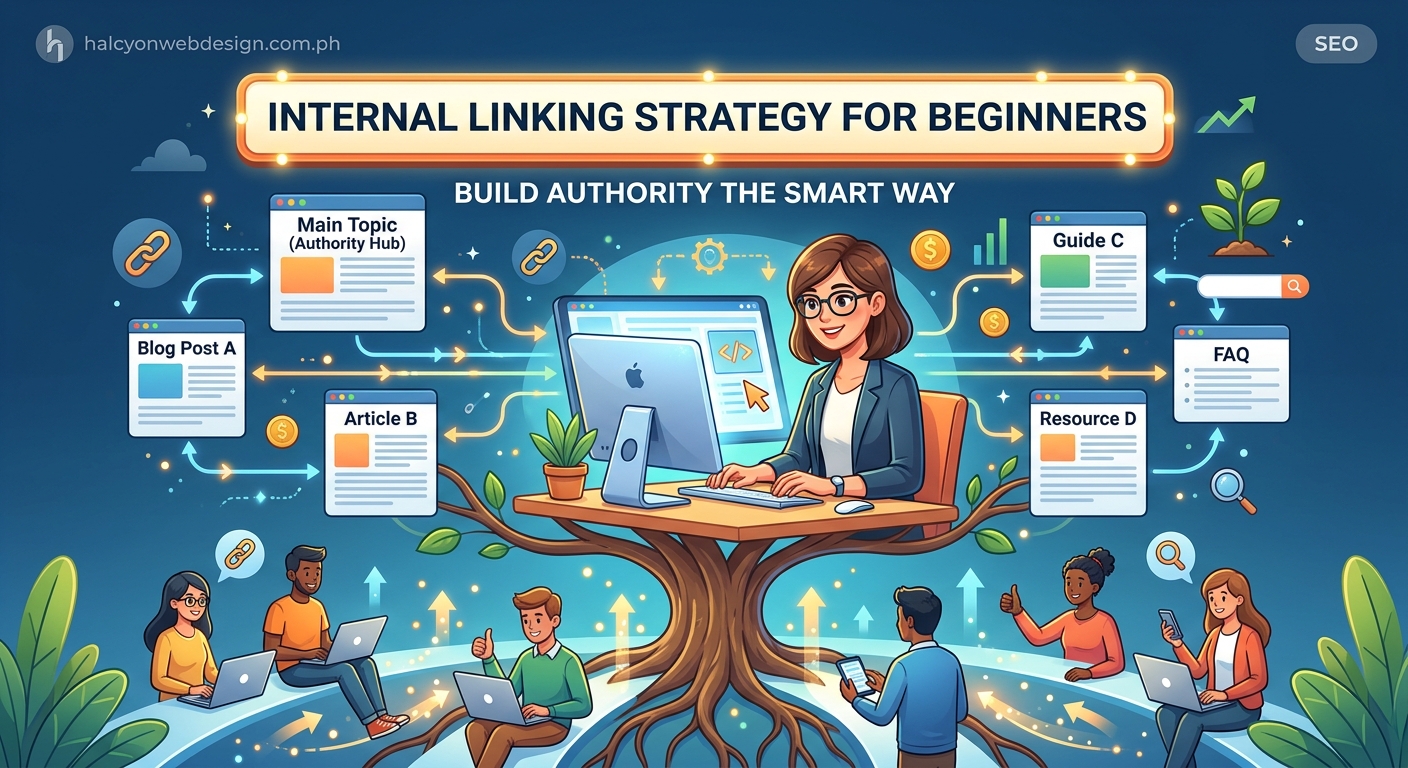
The best time to add internal links is while you’re writing. But you also need a system for updating old content.
Follow this process for new content:
- Write your draft without worrying about links
- Read through and highlight phrases that reference other topics you’ve covered
- Open your site in another tab and search for relevant existing content
- Add 3 to 5 contextual links to related pages using descriptive anchor text
- Check that each link adds value for readers, not just search engines
For existing content, schedule monthly audits:
- Pick 5 to 10 older posts each month
- Read through each post looking for opportunities to link to newer content
- Add 2 to 4 new internal links per post
- Update any broken or outdated links
- Note which posts have zero internal links pointing to them
This systematic approach prevents two common mistakes. You won’t forget to add links to new posts. And you won’t let older content become orphaned with no incoming links.
Writing anchor text that works for humans and search engines
Anchor text is the clickable words in a link. Most beginners get this wrong.
Bad anchor text looks like this: “Click here to learn more about WordPress themes.” The words “click here” tell search engines nothing about the destination page.
Good anchor text looks like this: “Learn how to choose the perfect WordPress theme for your project.” The anchor text describes exactly what readers will find.
Follow these rules:
- Use 2 to 6 words for most anchors
- Include the target keyword naturally
- Make it clear what the destination page covers
- Avoid generic phrases like “read more” or “this article”
- Don’t use the exact same anchor text repeatedly
Vary your anchor text even when linking to the same page. If you’re linking to a guide on WordPress plugins three times across different posts, use different phrases: “choosing the right WordPress plugin,” “how to select plugins safely,” and “plugin selection guide.”
Keep anchor text specific enough to set expectations but broad enough to feel natural in the sentence. If you have to twist your writing to fit in a keyword-stuffed anchor, you’re doing it wrong.
Common internal linking mistakes that hurt your SEO
Too many links on one page dilutes their value. Google’s algorithm divides the link equity on a page among all outgoing links. If you have 100 links on a page, each one passes less authority than if you had 10.
Aim for 3 to 5 contextual links per 1,000 words. More than that starts to feel spammy and distracts readers.
Linking to irrelevant pages confuses both users and search engines. Every link should make sense in context. Don’t link to your homepage from every post just because it’s your homepage. Link to it when it’s genuinely relevant.
Using the same anchor text repeatedly looks manipulative. If every link to your cornerstone guide uses the exact phrase “internal linking strategy for beginners,” that pattern looks unnatural. Mix it up with variations like “guide to internal linking,” “how to build an internal linking strategy,” and “internal linking basics.”
Forgetting to link to new content is the biggest missed opportunity. When you publish something new, go back to 3 to 5 related older posts and add links to the new page. This helps search engines discover it faster and gives it an initial authority boost.
Creating orphan pages with zero incoming links means search engines might never find them. Every page should have at least one internal link pointing to it from somewhere on your site.
Here’s a troubleshooting checklist:
- Are any pages getting more than 8 to 10 contextual links? Reduce them.
- Do you have pages with zero incoming internal links? Add at least two.
- Are you linking to pages just to hit a link quota? Remove forced links.
- Does every link make sense to someone reading the content? Fix confusing ones.
- Have you linked to your newest content from related older posts? Add those connections.
Tools that make internal linking easier
You don’t need expensive software to build a solid internal linking strategy for beginners. Start with what you already have.
WordPress’s built-in search function helps you find related content while writing. Just type a keyword in the link insertion tool and browse your existing posts.
Google Search Console shows which pages have the most external backlinks. These are your highest-authority pages. Linking from these pages to other content passes more SEO value. Prioritize adding contextual links within your top-performing content.
A simple spreadsheet tracks your internal linking efforts. Create columns for post title, URL, number of outgoing links, and number of incoming links. Update it monthly. This reveals which posts need more attention.
Free browser extensions like Link Redirect Trace help you spot broken internal links before they hurt your SEO. Run a check every few months.
Site audit tools like Screaming Frog (free for up to 500 pages) show your entire internal link structure. You can see orphan pages, identify your most-linked content, and spot patterns you might miss manually.
If you’re serious about internal linking, consider these WordPress plugins:
- Yoast SEO suggests internal links while you write
- Link Whisper automates internal link suggestions based on content relevance
- Internal Link Juicer automatically links keywords to designated URLs
But don’t rely completely on automation. The best internal links come from understanding your content and making thoughtful connections that help readers.
How to fix internal linking problems on an existing site
Maybe you’ve been publishing for months or years without a clear internal linking strategy. Your site needs repair work.
Start with an audit using Google Search Console. Go to the Coverage report and look for indexed pages. Export the list. Then use a site crawler to check how many internal links point to each page.
Sort by fewest incoming links. These pages need help first.
Open each low-link page and read through it. Ask yourself: “What other content on my site would naturally connect to this topic?” Then search your site for those topics and add contextual links.
Next, identify your highest-authority pages. These typically include:
- Your homepage
- Pages with the most external backlinks
- Posts that rank in the top 3 positions for keywords
- Content that gets shared frequently on social media
These pages are your link sources. They have the most SEO power to share. Go through each one and add 3 to 5 contextual links to important pages that need ranking boosts.
Pay special attention to new content. When you publish a post, immediately add links to it from 3 to 5 related older posts. This speeds up indexing and gives the new page an authority boost from day one.
Fix broken internal links immediately. They waste link equity and create poor user experiences. When you delete or redirect a page, update all internal links pointing to it. Your site crawler will flag these issues.
Creating content hubs that maximize internal linking power
Content hubs organize related articles around a central pillar page. This structure makes internal linking natural and powerful.
Start with a comprehensive pillar page covering a broad topic. For example, a 3,000-word guide titled “The Complete WordPress Setup Guide.” This becomes your hub.
Then create 8 to 12 cluster posts covering specific subtopics:
- Choosing WordPress hosting
- Configuring essential settings
- Selecting a theme
- Installing security plugins
Each cluster post links back to the pillar page. The pillar page links to all cluster posts. Cluster posts can also link to each other when relevant.
This creates a tight network of related content. Search engines see the topical authority. Users find comprehensive coverage of a subject. Rankings improve across the entire hub.
Build one content hub at a time. Focus on your most important topic first. As you publish new content, add it to relevant hubs or start new ones.
Measuring whether your internal linking strategy works
Track these metrics to see if your efforts pay off:
Pages per session shows how many pages visitors view during one visit. Good internal linking should increase this number. Check Google Analytics under Audience > Overview. If it’s rising, your links are working.
Average session duration measures how long people stay on your site. More engaged visitors spend more time. Internal links that lead to relevant content keep people reading longer.
Organic traffic to specific pages reveals which content benefits from your linking strategy. Use Google Analytics to compare traffic before and after adding internal links to a page. Look for increases over 30 to 60 days.
Rankings for target keywords show SEO impact. Use Google Search Console to track position changes for pages where you’ve added incoming internal links. Even moving from position 8 to position 5 represents significant progress.
Crawl depth indicates how easily search engines find your pages. Screaming Frog shows this in its audit reports. Pages requiring more than 3 clicks from your homepage might struggle to rank. Internal links from high-authority pages reduce crawl depth.
Set a baseline before making major internal linking changes. Note your current metrics. Then check monthly to see improvements. Be patient. SEO changes take 4 to 8 weeks to show results.
Scaling your internal linking as your site grows
Small sites with 20 to 50 pages can manage internal linking manually. But once you hit 100+ pages, you need systems.
Create a content calendar that includes internal linking tasks. When you schedule a new post, also schedule time to update 3 to 5 older posts with links to the new content.
Build a tagging system that categorizes content by topic. This makes finding related articles faster. Most content management systems include tagging features. Use them consistently.
Consider using a plugin like Link Whisper for sites with 200+ posts. It suggests internal link opportunities based on content similarity. You still review and approve each suggestion, but it saves hours of manual searching.
Hire a virtual assistant to handle routine internal linking tasks. Create a standard operating procedure document that explains your strategy. Have them spend 2 to 4 hours per week adding internal links to older content.
The key is consistency. Regular small improvements beat occasional massive overhauls. Even adding 5 to 10 internal links per week compounds into significant SEO gains over months.
Remember that quality beats quantity. Ten perfectly placed contextual links on high-authority pages do more than 100 random links scattered across your site.
Making internal linking a habit instead of a project
The difference between sites that rank well and sites that struggle often comes down to consistent internal linking. Not fancy tactics. Not expensive tools. Just the discipline to connect your content thoughtfully.
Start small if you’re overwhelmed. Add three internal links to one older post each week. That’s 156 links per year. In six months, you’ll notice the difference in your analytics.
When you write new content, pause before hitting publish. Read through once just looking for internal linking opportunities. This takes five extra minutes but multiplies the SEO value of every post.
Set a monthly reminder to audit your five most recent posts. Check if they have incoming links from older content. If not, fix that gap immediately.
Internal linking isn’t glamorous. It won’t show dramatic overnight results. But six months from now, when your traffic has doubled and your best content ranks on page one, you’ll understand why it matters. The sites that win at SEO aren’t always the ones with the best content. They’re the ones where all the content works together, connected by smart internal links that guide both visitors and search engines exactly where they need to go.