
You launched your website months ago. Traffic started climbing. Then you noticed something odd in Search Console: multiple URLs ranking for the same keyword, competing against each other. Your rankings started slipping, and you’re not sure which page Google considers the “real” one.
This is duplicate content at work, and it’s more common than you think.
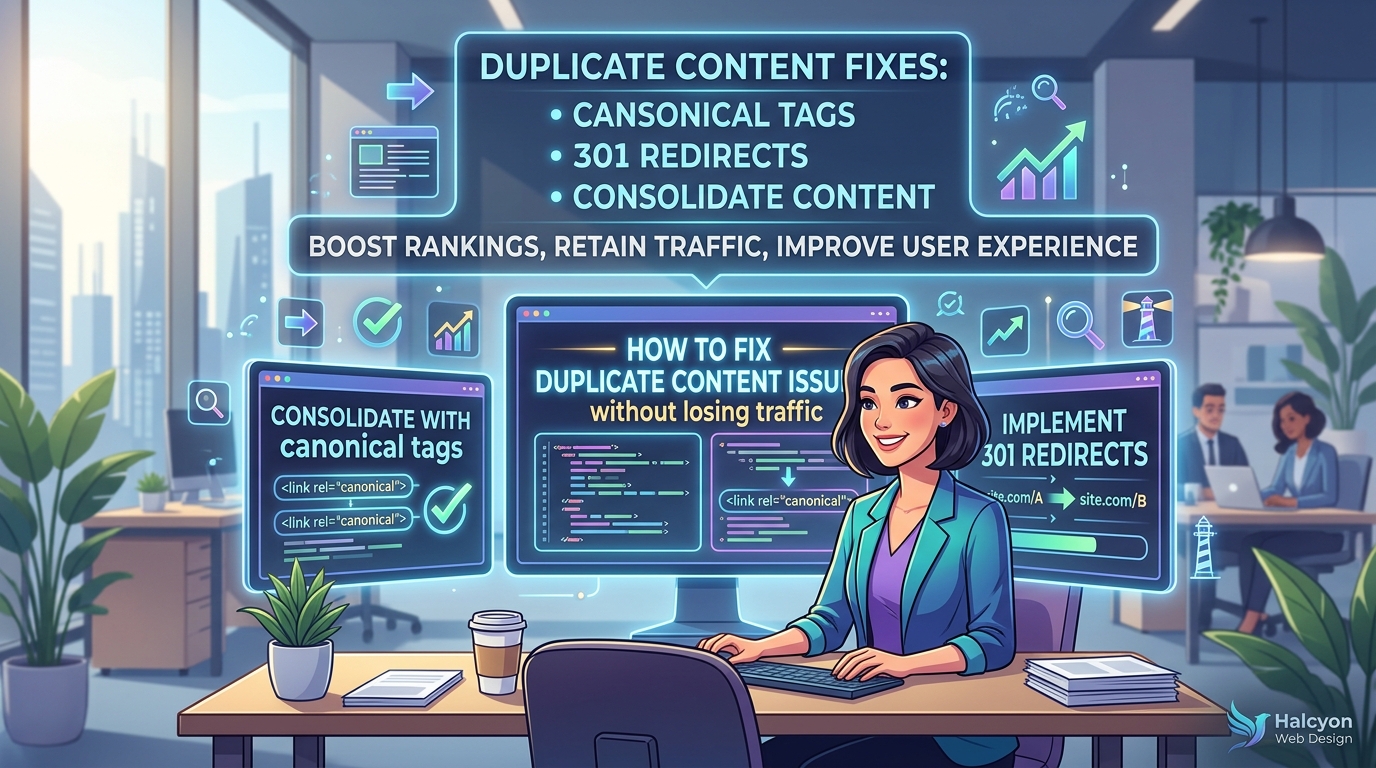
Duplicate content happens when identical or very similar text appears on multiple URLs. Search engines struggle to choose which version to rank, diluting your SEO value. The fix involves identifying duplicates through Search Console, choosing a canonical version, implementing proper redirects or canonical tags, and monitoring your traffic throughout the process to ensure rankings stay stable.
Understanding What Duplicate Content Actually Means
Duplicate content isn’t just copied text from other websites. It includes your own pages showing the same information across different URLs.
Common causes include:
- HTTP and HTTPS versions of the same page both being indexed
- www and non-www URLs creating separate versions
- Product pages with multiple color or size variations
- Print-friendly versions of articles
- Category and tag pages showing identical excerpts
- Session IDs or tracking parameters creating unique URLs
- Content management systems generating multiple paths to the same page
Google doesn’t penalize duplicate content the way many people think. There’s no “duplicate content penalty” that tanks your entire site. Instead, search engines pick one version to show in results and ignore the others. The problem? They might pick the wrong one.
Finding Duplicate Content on Your Site
Before you can fix anything, you need to know where duplicates exist.
Start with Google Search Console. Navigate to the Coverage report and look for pages marked as “Duplicate, submitted URL not selected as canonical.” This tells you Google found duplicates and chose a different version than the one you submitted.
Run a site search in Google using this format: site:yourdomain.com "exact phrase from your page". If multiple URLs appear with the same content, you’ve found duplicates.
Check your sitemap. Look for patterns like:
– example.com/page
– example.com/page/
– example.com/page?ref=home
– example.com/page#section
These might all show identical content but count as separate URLs.
Use free tools like Screaming Frog SEO Spider to crawl your site. Export the results and sort by page title or meta description. Identical titles often signal duplicate pages.
The biggest mistake website owners make is assuming duplicate content only happens when you copy someone else’s work. Most duplicate content issues are technical, not editorial.
Choosing Your Canonical Version
You need to decide which URL should be the “master” version for each piece of content.
Consider these factors:
- Which URL gets the most traffic currently?
- Which has more backlinks pointing to it?
- Which URL structure makes more sense for users?
- Which version appears in your sitemap?
For example, if both example.com/blog/post and example.com/post exist, choose the one that matches your site structure. If all your other blog posts use /blog/, keep that pattern consistent.
Document your choices. Create a spreadsheet with three columns: duplicate URL, canonical URL, and action needed. This prevents confusion later.
Method 1: Using 301 Redirects

301 redirects permanently send users and search engines from one URL to another. This is the strongest signal you can send.
Use redirects when:
– You’re consolidating multiple pages into one
– You’ve changed your URL structure
– HTTP and HTTPS versions both exist
– www and non-www versions both exist
Here’s what happens with a 301 redirect:
| Before Redirect | After Redirect |
|---|---|
| Traffic splits between duplicates | All traffic goes to canonical URL |
| Link equity divides across versions | Link equity consolidates to one page |
| Search engines index multiple URLs | Search engines index only canonical URL |
| Rankings fluctuate between versions | Rankings stabilize on chosen URL |
For WordPress sites, use your hosting control panel or a plugin to add redirects. The redirect should point from the duplicate URL to your chosen canonical version.
Example redirect in an .htaccess file:
Redirect 301 /old-page https://example.com/new-page
Test every redirect after implementation. Visit the old URL and confirm it takes you to the new one. Check that the status code shows 301, not 302 (temporary redirect).
Method 2: Implementing Canonical Tags
Canonical tags tell search engines which version of a page you prefer without redirecting users. This works well when you need to keep multiple URLs accessible.
Use canonical tags when:
– Product variations need separate URLs for filtering
– You have print-friendly versions
– Parameters create tracking URLs you want to keep
– Pagination creates similar pages
Add this to the <head> section of duplicate pages:
Every duplicate page should point to the same canonical URL. If you have five versions of a product page, all five should reference the same canonical version.
Common canonical tag mistakes include:
- Pointing to a page that returns a 404 error
- Creating canonical chains (page A points to B, B points to C)
- Using relative URLs instead of absolute URLs
- Forgetting to update canonicals after changing URL structure
- Canonical tag pointing to a noindexed page
If you’re working with WordPress themes, most SEO plugins handle canonical tags automatically. Double-check they’re set correctly, especially on category and tag archives.
Method 3: Consolidating Similar Pages
Sometimes the best fix is merging duplicate pages into one comprehensive resource.
Review pages with overlapping topics. Ask yourself:
– Do these pages target the same keyword?
– Would a user benefit from seeing this information on one page?
– Are these pages competing against each other in search results?
Create a consolidated page that includes the best content from all versions. Update internal links to point to the new unified page. Set up 301 redirects from the old pages.
This approach works especially well for blog posts covering similar topics or product pages with minor variations that don’t need separate URLs.
Fixing Technical Duplicate Content Issues
Technical duplicates often stem from how your website generates URLs.
Fix protocol inconsistencies: Choose either HTTP or HTTPS (always choose HTTPS). Redirect all HTTP URLs to HTTPS using your server configuration or hosting settings.
Standardize domain format: Decide between www and non-www. Pick one and redirect the other. Most sites use the non-www version for cleaner URLs.
Handle trailing slashes: Configure your server to treat /page and /page/ as the same URL. Most platforms default to adding trailing slashes, so redirect non-slash versions to match.
Remove session IDs: If your site adds session parameters to URLs, configure your platform to use cookies instead. Session IDs create infinite duplicate pages.
Clean up parameters: Use Google Search Console’s URL Parameters tool to tell Google which parameters don’t change content (like tracking codes).
Fix pagination properly: Use rel="next" and rel="prev" tags on paginated series, or implement a “View All” page with a canonical tag from individual pages.
Preventing Future Duplicate Content
Set up systems to catch duplicates before they become problems.
Configure your CMS to automatically add canonical tags to new pages. Most modern platforms do this, but verify the setting exists and works correctly.
Create URL guidelines for your team:
– Always use lowercase
– Replace spaces with hyphens
– Avoid special characters
– Keep URLs short and descriptive
– Don’t include dates unless necessary
Use a staging environment to test new features before pushing to production. Check how your theme handles URLs when you add new functionality.
Monitor your XML sitemap. It should only include canonical versions. Remove duplicates before submitting to search engines.
Set up alerts in Search Console for coverage issues. You’ll get notified when Google finds new duplicates.
Monitoring Traffic During the Fix
Fixing duplicate content can temporarily affect rankings while search engines reprocess your pages. Track these metrics:
- Organic traffic to affected URLs (individually and combined)
- Keyword rankings for target terms
- Impressions and clicks in Search Console
- Crawl stats showing Google discovering your changes
- Index coverage showing removed duplicates
Expect fluctuations for 2-4 weeks after making changes. Traffic might dip initially as search engines consolidate signals, then should recover and often improve as link equity and relevance signals strengthen on your canonical URLs.
If traffic drops more than 20% after two weeks, review your implementation:
– Verify redirects work correctly
– Check canonical tags point to the right URLs
– Ensure canonical pages are indexable (not noindexed or blocked)
– Confirm the canonical version contains all important content
Keep your old analytics data. Compare traffic patterns from before and after the fix at the 30-day, 60-day, and 90-day marks.
Handling Syndicated and Republished Content
If you publish content on multiple sites or allow others to republish your work, you need extra protection.
For content you syndicate to other platforms:
– Ensure syndication partners add canonical tags pointing back to your original
– Publish on your site first, wait 24-48 hours, then syndicate
– Include a link back to the original in syndicated versions
– Use Google’s syndication guidelines
For guest posts you publish elsewhere:
– Don’t republish the exact same article on your site
– Create a unique version with different examples and angles
– Link between related versions naturally
If someone copies your content without permission, file a DMCA complaint through Google’s removal tool.
What to Do If You’ve Already Lost Traffic
Already seeing traffic drops from duplicate content issues? Here’s your recovery plan:
-
Identify the damage: Check Search Console for which pages lost impressions. Note their current rankings and the duplicates competing with them.
-
Prioritize by impact: Fix pages with the highest traffic first. These give you the fastest recovery.
-
Implement fixes systematically: Don’t rush. Fix one category of duplicates at a time so you can track which changes work.
-
Request reindexing: Use Search Console’s URL Inspection tool to request reindexing of canonical pages after fixing duplicates.
-
Build fresh signals: Update canonical pages with new content, images, or information. This gives search engines a reason to recrawl and reassess.
-
Monitor recovery: Track rankings weekly. Most sites see improvement within 4-6 weeks if fixes are implemented correctly.
Remember that keyword cannibalization often accompanies duplicate content. You might need to address both issues together.
Common Mistakes That Make Things Worse
Avoid these errors when fixing duplicate content:
Noindexing duplicates instead of using canonicals: This removes pages from search results but doesn’t consolidate their value. Use redirects or canonical tags instead.
Deleting pages without redirects: This creates 404 errors and wastes any link equity those pages earned. Always redirect before deleting.
Using 302 redirects instead of 301s: Temporary redirects don’t pass full link equity and don’t signal permanent consolidation.
Canonical chains: Page A canonicals to B, B canonicals to C. Search engines might ignore the whole chain. Point all duplicates directly to the final canonical.
Blocking canonicals in robots.txt: If you block the canonical URL from crawling, search engines can’t verify it exists or index it properly.
Inconsistent internal linking: Your internal links should point to canonical versions. If you canonicalize page B to page A, but all your internal links point to page B, you’re sending mixed signals.
Maintaining Clean Content Long-Term
Duplicate content management isn’t a one-time fix. Build these habits:
Run monthly audits using Search Console. Review the Coverage report for new duplicate issues. Catch problems while they’re small.
Train content creators on URL best practices. Show them how to check if similar content already exists before creating new pages.
Document your canonical choices. When someone asks “Why does this redirect here?” you’ll have the answer.
Review your site architecture quarterly. As your site grows, you might need to reorganize categories or consolidate outdated content.
Set up automated monitoring. Tools like Google Analytics can alert you when traffic patterns shift dramatically, often an early warning of duplicate content issues.
Test major changes in staging. Before launching new features, redesigns, or theme updates, verify they don’t create duplicate URLs.
Protecting Your Rankings While You Clean Up
You’ve identified the duplicates. You know which fixes to use. Now you need to implement them without tanking your traffic.
Start with low-traffic pages. Practice your process on pages that won’t hurt much if something goes wrong. Once you’re confident, move to higher-value content.
Make changes during low-traffic periods. For most sites, that’s weekends or evenings. This minimizes the impact if users encounter issues.
Fix duplicates in batches. Group related pages together (all product variations, all blog categories, etc.) and fix them as a set. Wait a week between batches to monitor impact.
Keep backup documentation. Screenshot your Search Console data before making changes. Export your analytics. If you need to prove traffic patterns later, you’ll have the data.
The goal isn’t just fixing duplicate content. It’s fixing it in a way that preserves the traffic and rankings you’ve worked hard to build. Take your time, test thoroughly, and monitor closely. Your site will be stronger for it.