
Duplicate content warnings in Google Search Console can feel like a red flag waving at your SEO efforts. You check your coverage report and see dozens, sometimes hundreds, of pages flagged as duplicates. Your heart sinks. But here’s the truth: most duplicate content issues are fixable, and Google Search Console gives you everything you need to track them down and resolve them. You just need to know where to look and what actions to take.
Google Search Console identifies duplicate content through coverage reports and URL inspection tools. Fix these issues by implementing canonical tags, adjusting URL parameters, updating internal links, and using 301 redirects. Regular monitoring prevents indexing problems and helps Google understand which version of your content deserves to rank. Most duplicate content stems from technical configurations, not malicious copying.
Understanding duplicate content signals in Search Console
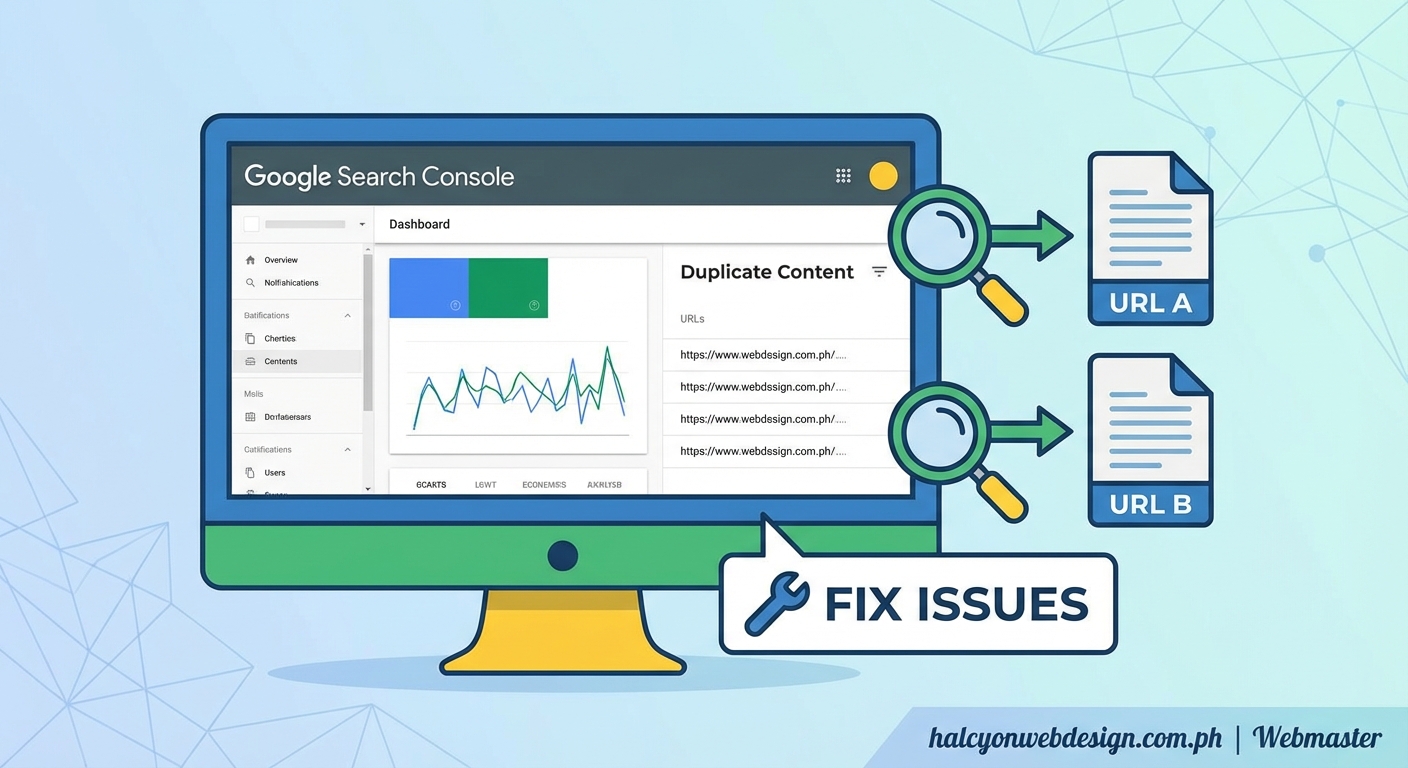
Google Search Console doesn’t use the phrase “duplicate content” in most of its reports. Instead, you’ll see labels like “Duplicate, submitted URL not selected as canonical” or “Alternate page with proper canonical tag.”
These messages tell you that Google found multiple versions of the same content and chose one as the primary version.
The chosen version is called the canonical URL.
Sometimes Google picks the URL you want. Sometimes it doesn’t.
Your job is to make sure Google selects the right page every time.
Where duplicate content warnings appear
You’ll find duplicate content signals in three main areas:
- Pages report: Shows excluded pages with duplication issues
- Coverage report: Lists indexing problems including canonical conflicts
- URL Inspection tool: Reveals which URL Google considers canonical for any given page
Each area gives you different information. The Pages report shows the big picture. The URL Inspection tool shows you exactly what Google sees when it crawls a specific URL.
Check all three regularly.
Common causes of duplicate content on your site
Most duplicate content happens because of how your site is built, not because someone copied your work.
Here are the usual suspects:
HTTP vs HTTPS versions: Your site might be accessible at both http://example.com and https://example.com. Google sees these as two different sites with identical content.
WWW vs non-WWW: The same content appears at www.example.com and example.com. Another duplication scenario.
URL parameters: Tracking codes, session IDs, and sorting parameters create multiple URLs that show the same content. A product page might appear at /product?id=123 and /product?id=123&ref=email.
Printer-friendly versions: If you offer print versions of pages, those create duplicates unless handled properly.
Category and tag archives: Blog posts appearing in multiple category pages can trigger duplication warnings.
Pagination issues: Improperly configured pagination can make Google think page 1 and page 2 are duplicates.
Understanding the cause helps you choose the right fix. Each problem has a specific solution.
Step by step process to identify duplicate content
Let’s walk through the exact process to find duplicate content issues in your Search Console account.
-
Log into Google Search Console and select your property from the dropdown menu.
-
Navigate to the Pages report in the left sidebar under Indexing.
-
Scroll to the “Why pages aren’t indexed” section and look for these specific labels:
– Duplicate, submitted URL not selected as canonical
– Duplicate without user-selected canonical
– Alternate page with proper canonical tag -
Click on each label to see the affected URLs.
-
Export the list using the export button in the top right corner. You’ll need this spreadsheet for your audit.
-
Use the URL Inspection tool on 5 to 10 sample URLs from your export. Type each URL into the search bar at the top of Search Console.
-
Check the “Google-selected canonical” field in the inspection results. This shows you which URL Google chose as the primary version.
-
Compare the Google-selected canonical with the URL you inspected. If they don’t match, you have a canonical conflict.
-
Document patterns in your spreadsheet. Are all the duplicates related to URL parameters? HTTP vs HTTPS? Pagination?
-
Prioritize based on traffic potential. Fix duplicates on high-value pages first.
This systematic approach reveals exactly where your duplication problems live. No guessing required.
Techniques to fix duplicate content issues
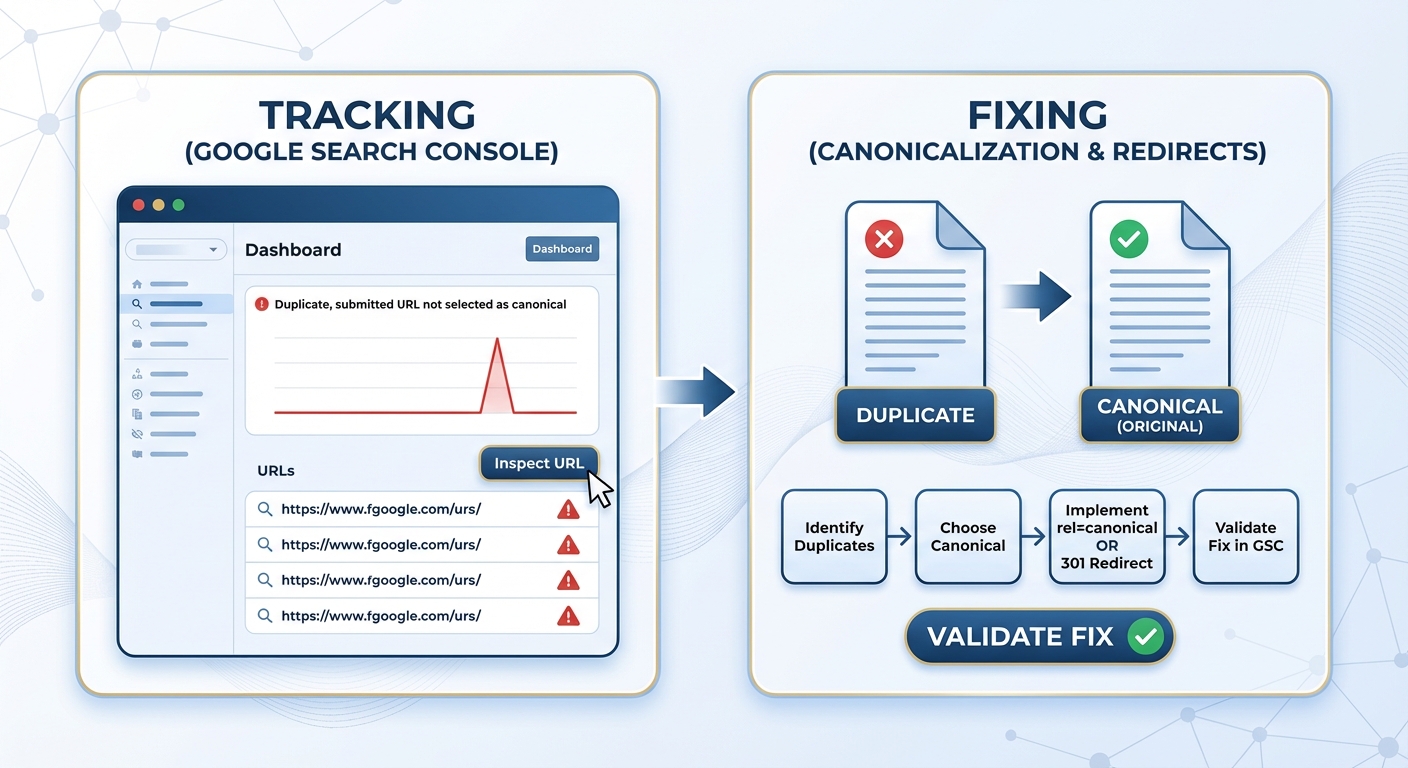
Once you know where the problems are, you can apply the right fix. Here’s a comparison of the most effective techniques:
| Technique | Best For | Implementation Difficulty | SEO Impact |
|---|---|---|---|
| Canonical tags | Same content on multiple URLs you want to keep | Easy | High |
| 301 redirects | Old URLs you want to permanently remove | Medium | High |
| Parameter handling | URL parameters from tracking or filtering | Medium | Medium |
| Noindex tags | Pages you don’t want indexed at all | Easy | Medium |
| Consistent internal linking | Preventing self-created duplicates | Easy | Medium |
Setting up canonical tags correctly
Canonical tags tell Google which version of a page is the primary one. Add this tag to the <head> section of duplicate pages:
The canonical tag should point to the URL you want to rank. Every duplicate version should have this tag pointing to the same preferred URL.
Don’t create circular canonicals where page A points to page B, and page B points to page A. That confuses Google.
Self-referencing canonicals are fine. Your preferred URL can have a canonical tag pointing to itself.
Using 301 redirects for permanent moves
When you have multiple URLs showing the same content and you only need one, use 301 redirects.
A 301 redirect tells browsers and search engines that a page has permanently moved to a new location. It passes nearly all ranking power to the new URL.
Redirect the duplicate URLs to your preferred version. If you’re consolidating http://example.com to https://example.com, redirect every HTTP page to its HTTPS equivalent.
Most hosting control panels let you set up redirects through .htaccess files or server configuration. WordPress plugins can help if you’re not comfortable editing server files.
Configuring URL parameters in Search Console
Google Search Console has a URL Parameters tool under Legacy tools and reports. Use it to tell Google how to handle parameters like ?ref=, ?sessionid=, or ?color=.
You can specify whether a parameter changes page content or just tracks users. For tracking parameters that don’t change content, tell Google to crawl URLs without those parameters.
This reduces duplicate content from tracking codes and analytics parameters.
Be careful with this tool. Incorrect settings can prevent important pages from being indexed. Start with obvious tracking parameters like utm_source or ref.
Fixing pagination and archives
For paginated content, use rel=”next” and rel=”prev” tags to show Google the relationship between pages. Or use a “view all” page with a canonical tag from paginated pages pointing to it.
For blog archives where the same post appears in multiple categories, make sure your CMS sets a canonical tag pointing to the post’s primary URL, not the archive URL.
Many content management systems handle this automatically, but it’s worth checking. Slow-loading sites often have configuration issues that affect more than just speed.
Monitoring your fixes in Search Console
After you implement fixes, Google needs time to recrawl your site and update its index.
Request indexing for your most important fixed pages using the URL Inspection tool. Type the URL, click “Request Indexing,” and Google will prioritize recrawling that page.
Don’t request indexing for hundreds of pages at once. Google limits how many requests you can make. Focus on high-priority pages.
Check back in two to four weeks. The Pages report should show fewer duplicate content issues.
If duplicates persist, use the URL Inspection tool again to see if Google is still selecting the wrong canonical. Sometimes you need to adjust your implementation.
“The canonical tag is a suggestion, not a directive. Google reserves the right to choose a different canonical if it thinks another URL better serves users. Make sure your preferred URL has the strongest signals: internal links, sitemap inclusion, and consistent references throughout your site.”
Preventing future duplicate content problems
Prevention beats cure. Set up your site correctly from the start and you’ll avoid most duplication issues.
Choose one domain format: Decide whether you want www or non-www, HTTP or HTTPS. Stick with it. Redirect all other versions to your chosen format.
Use consistent internal links: Always link to the same URL format. If your canonical is https://example.com/page, don’t link to http://example.com/page or example.com/page?ref=menu.
Configure your CMS properly: Most content management systems have settings for canonical URLs, permalink structure, and archive pages. Choosing the right hosting environment can also prevent server-level duplication issues.
Submit a clean sitemap: Only include canonical URLs in your XML sitemap. Don’t submit duplicate versions.
Monitor parameter usage: If you add tracking parameters, document them and configure Search Console to handle them correctly.
Review new features before launch: Before adding printer-friendly pages, mobile versions, or translation tools, plan how you’ll handle canonicalization.
Regular audits catch problems early. Schedule a duplicate content check every quarter.
Troubleshooting stubborn duplicate content issues
Sometimes you fix everything correctly, but Google still shows duplicate content warnings. Here’s what to check:
External duplicates: Another site might be copying your content. Use the URL Inspection tool to see if Google found your content elsewhere. If so, file a DMCA complaint or contact the site owner.
Hreflang conflicts: If you have multiple language or regional versions, incorrect hreflang tags can cause canonical confusion. Each language version should have hreflang tags pointing to all versions, including itself.
Mixed signals: If you have a canonical tag pointing to URL A but your sitemap includes URL B, you’re sending mixed signals. Google might ignore your canonical preference.
Redirect chains: Multiple redirects in a row (A redirects to B, which redirects to C) can cause problems. Simplify to direct redirects.
Server configuration: Some servers create duplicates through trailing slashes, index.html files, or case sensitivity. Check your server logs.
Mobile vs desktop URLs: If you serve different URLs for mobile and desktop, you need proper annotations. Most modern sites use responsive design and avoid this issue entirely.
If you’ve checked everything and duplicates persist, the issue might be on Google’s end. Sometimes their algorithms take months to update, especially for large sites. Indexing issues like “Crawled but not indexed” can also complicate duplicate content resolution.
Advanced strategies for complex sites
Large sites with thousands of pages need systematic approaches to duplicate content.
Automated canonical tag generation: Use templates or scripts to add canonical tags to every page. Manual tagging doesn’t scale.
Regular expression redirects: Instead of creating individual 301 redirects for hundreds of pages, use regex patterns in your server configuration to redirect entire URL patterns at once.
Content consolidation: Sometimes the best fix is combining multiple thin pages into one comprehensive resource. This eliminates duplicates and often improves rankings.
Faceted navigation management: E-commerce sites with filtering options create thousands of URL combinations. Use robots.txt, noindex tags, or parameter handling to prevent indexing of filter combinations.
International site structure: For multi-country sites, decide between subdirectories (/en/, /es/), subdomains (en.example.com), or separate domains (example.co.uk). Each approach has canonicalization implications.
Dynamic content handling: If your site personalizes content based on user behavior, make sure the canonical URL points to the unpersonalized version.
Document your approach in a style guide so everyone on your team implements canonicalization consistently.
Measuring the impact of your fixes
Track these metrics to see if your duplicate content fixes are working:
Indexed pages count: The number of indexed pages in Search Console should stabilize or increase after you fix duplicates. If it drops significantly, you might have accidentally noindexed important pages.
Organic traffic: Fixed duplicate content often leads to traffic increases because Google can focus its crawl budget on unique pages and consolidate ranking signals.
Rankings for target keywords: Check if your preferred URLs are ranking instead of duplicate versions.
Crawl stats: Look at the Crawl Stats report in Search Console. Fewer duplicate pages mean Google can crawl more of your unique content.
Click-through rate: When Google shows the right URL in search results, your CTR often improves because the URL and title match user expectations. Better meta descriptions can amplify this effect.
Give your fixes at least 30 days before evaluating results. Search engines move slowly.
Making duplicate content management routine
Duplicate content isn’t a one-time fix. It’s an ongoing site maintenance task.
Add these checks to your monthly SEO routine:
- Review the Pages report for new duplication issues
- Audit 10 random pages with the URL Inspection tool
- Check that new site sections have proper canonical tags
- Verify that recent content additions aren’t creating duplicates
- Monitor your sitemap for accidentally included duplicate URLs
Set up alerts in Search Console for coverage issues. Google will email you when new problems appear.
Train your content team to think about canonicalization. When they create new page types or features, they should ask: “Could this create duplicate content?”
The more proactive you are, the fewer fires you’ll have to put out later.
Your path to cleaner indexing
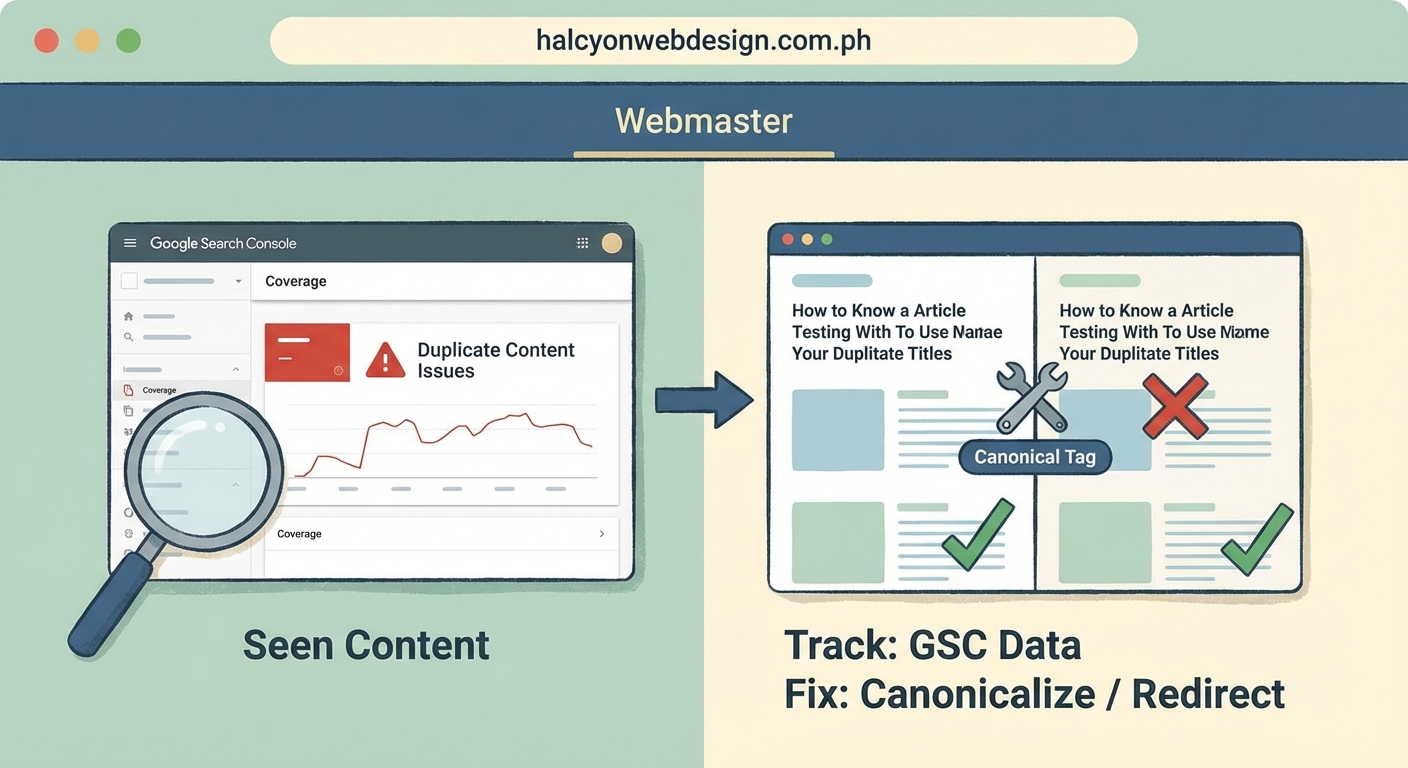
Fixing duplicate content in Google Search Console isn’t about perfection. It’s about giving Google clear signals about which pages matter most.
Start with the biggest issues affecting your most important pages. Use canonical tags for duplicates you need to keep, redirects for ones you don’t, and parameter handling for tracking codes.
Monitor your progress in Search Console and adjust your approach based on what Google tells you. Most duplicate content problems resolve within a few weeks once you implement the right technical fixes.
Your site will be easier for search engines to understand, your crawl budget will go further, and your rankings will reflect the content you actually want to promote. That’s worth the effort.