
When multiple pages on your site target the same keyword, they compete against each other instead of working together. This internal competition confuses search engines and dilutes your ranking power. Instead of one strong page claiming the top spot, you end up with several weak pages scattered across page two or three.
The good news? Fixing keyword cannibalization is straightforward once you know what to look for.
Keyword cannibalization occurs when multiple pages compete for the same search term, weakening your overall rankings. Fix it by auditing your content, analyzing performance data, and choosing to merge, redirect, or reoptimize competing pages. Prevention requires clear content planning, proper internal linking, and regular monitoring through Google Search Console and your preferred SEO tool.
Understanding what causes pages to compete
Cannibalization happens more often than you might think. You publish a blog post about WordPress security. Six months later, you create another guide covering similar ground. A year after that, you add a service page mentioning the same topic.
Each page dilutes the others.
Search engines see three pages targeting “WordPress security tips” and struggle to pick a winner. Your click-through rate drops because users see multiple listings from your domain and assume they contain duplicate information. Your internal link equity gets split three ways instead of strengthening one authoritative resource.
Common triggers include:
- Publishing multiple blog posts on similar topics without clear differentiation
- Creating service pages and blog content that overlap in keyword targeting
- Building location pages with nearly identical content and keyword focus
- Generating product category pages that compete with individual product listings
- Developing tag and category archives that rank alongside your main content
The problem intensifies on older sites. More content means more opportunities for overlap, especially if you’ve never conducted a content audit.
Finding cannibalization issues on your site
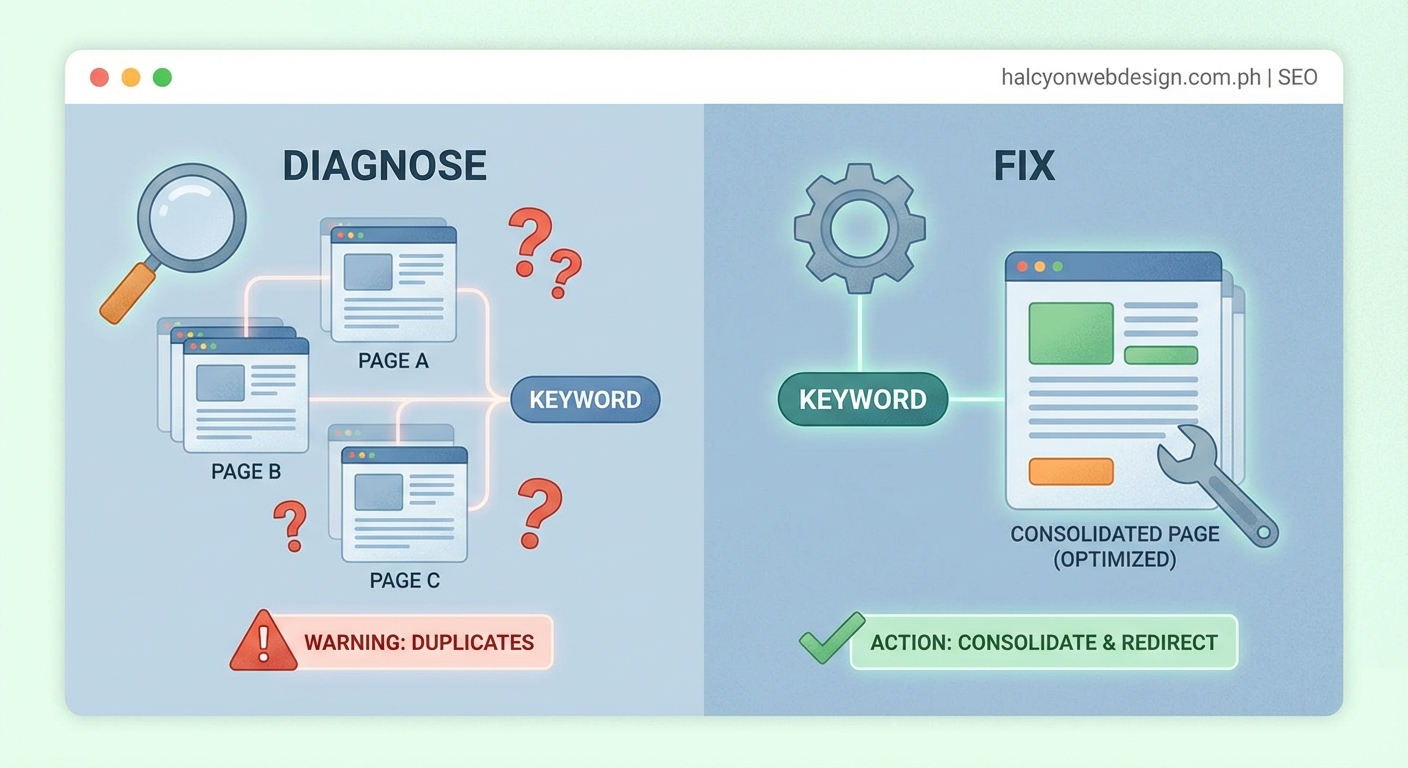
You can’t fix what you can’t see. Start with these diagnostic methods.
Method 1: Manual site search
Type site:yoursite.com "target keyword" into Google. Replace “target keyword” with the phrase you’re investigating.
Review the results. If Google returns multiple pages from your domain, you’ve found potential cannibalization. Pay attention to which page ranks first. That tells you which one Google currently prefers.
This method works well for spot-checking specific keywords but becomes tedious for comprehensive audits.
Method 2: Google Search Console analysis
Open Google Search Console and navigate to the Performance report. Click “Pages” to see which URLs receive impressions and clicks.
Filter by a specific query. If multiple URLs appear for the same search term, you have cannibalization. Look at the click and impression distribution. Often, one page gets most impressions while another gets more clicks, indicating user confusion.
Export the data if you’re checking multiple keywords. Sort by query, then review which URLs compete for the same terms.
Method 3: Rank tracking tools
Most SEO platforms flag cannibalization automatically. Tools like SEMrush, Ahrefs, and Moz identify when multiple URLs rank for identical keywords.
These reports save time on large sites. They show you the severity of each issue based on ranking position and search volume. Focus on high-value keywords first.
Method 4: Content inventory spreadsheet
Create a simple spreadsheet listing every page on your site. Add columns for:
- URL
- Primary keyword
- Secondary keywords
- Content type (blog, service page, product)
- Word count
- Last updated date
Sort by primary keyword. Duplicates become immediately obvious. This manual approach works well for sites under 100 pages and helps you understand your content structure better than automated tools alone.
Five steps to resolve competing pages
Once you’ve identified cannibalization, choose the right fix based on your specific situation.
1. Audit the competing content
Open each competing page side by side. Read through them completely. Note the differences in:
- Depth of coverage
- Content quality and freshness
- User engagement metrics (time on page, bounce rate)
- Backlink profile
- Current rankings and traffic
One page usually emerges as the stronger candidate. It might have better engagement, more backlinks, or simply cover the topic more thoroughly.
Document your findings. You’ll need this information to decide your next move.
2. Analyze performance data
Numbers tell the real story. Check Google Analytics for the past 12 months. Compare:
- Organic traffic trends for each URL
- Conversion rates (if applicable)
- Bounce rate and average session duration
- Top landing pages report
Also review Search Console data for:
- Average position over time
- Click-through rate
- Total impressions and clicks
The page with declining performance despite good content might be suffering from cannibalization. The page with steady growth could be the one to keep.
3. Choose your resolution strategy
You have five main options. Pick based on content quality and strategic value.
| Strategy | When to use it | Impact level |
|---|---|---|
| Merge content | Both pages have valuable, unique sections | High |
| Delete and redirect | One page is clearly superior | High |
| Reoptimize for different keywords | Content serves different user intent | Medium |
| Canonicalize | Pages must exist separately but are very similar | Medium |
| Noindex weaker page | Page needed for users but not search | Low |
Merging works best when both pages contain useful information. Combine them into one comprehensive resource. Take the best sections from each, eliminate redundancy, and create something better than either original.
Redirecting makes sense when one page is thin, outdated, or clearly inferior. Set up a 301 redirect from the weak page to the strong one. This passes link equity and tells search engines the content has permanently moved.
Reoptimizing helps when the pages actually target different search intent. A beginner’s guide and an advanced tutorial might use similar keywords but serve different audiences. Adjust the keyword targeting, update the content to match the new focus, and differentiate the titles and meta descriptions.
Canonical tags work when you must keep both pages live for business reasons. The canonical tag tells search engines which version to prioritize. This happens often with product variations or regional content.
Noindexing removes a page from search results while keeping it accessible to users who find it through your navigation. Use this sparingly, typically for internal resources or temporary content.
4. Implement your chosen fix
Take action methodically. Don’t rush through multiple fixes at once, or you won’t know what worked.
For merges:
- Create a new document combining the best content from both pages
- Update the stronger URL with the merged content
- Set up a 301 redirect from the weaker URL to the updated page
- Update internal links pointing to the old URL
- Monitor rankings for both the old and new URLs
For redirects:
- Verify the destination URL is live and optimized
- Implement the 301 redirect at the server level
- Update your sitemap
- Remove the old URL from internal navigation
- Submit the updated sitemap to Google Search Console
For reoptimization:
- Research new keyword opportunities for the weaker page
- Rewrite the title tag, meta description, and H1
- Update the content to match the new keyword focus
- Adjust internal links to use appropriate anchor text
- Add unique value that differentiates it from the competing page
5. Monitor the results
Changes take time to reflect in search results. Track your progress weekly for the first month, then monthly after that.
Watch for:
- Ranking improvements for your target keyword
- Traffic changes to the affected URLs
- Overall organic traffic trends
- Crawl errors in Search Console
Sometimes rankings dip temporarily after major changes. Give Google 4-6 weeks to recrawl and reassess your content before panicking. If you see sustained declines after two months, revisit your strategy.
The most effective cannibalization fix preserves your best content while eliminating confusion for both users and search engines. Don’t just delete pages randomly. Every decision should improve the user experience.
Preventing future cannibalization
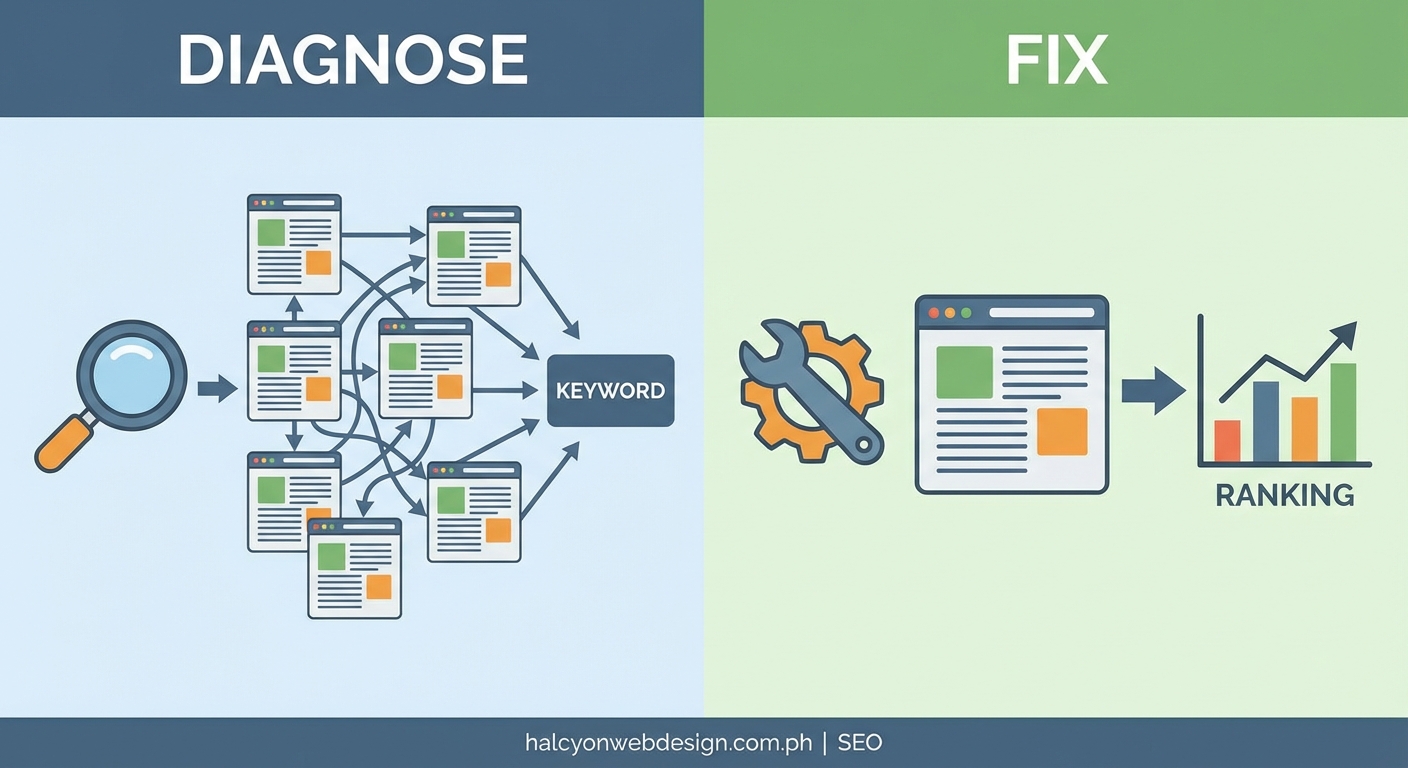
Fixing existing issues matters, but prevention saves you from repeating the cycle.
Build a content strategy
Before publishing anything new, check your existing content. Ask yourself:
- Do I already have a page targeting this keyword?
- Does this new piece add unique value, or am I repeating myself?
- Can I update an existing page instead of creating a new one?
Maintain a content calendar that tracks your primary keywords. This simple step prevents accidental overlap.
Create clear content hierarchies
Organize your site with distinct content types serving different purposes:
- Pillar pages for broad, high-value topics
- Cluster content for specific subtopics linking back to pillars
- Service pages for commercial intent
- Blog posts for informational queries
Each type should target different stages of the buyer journey. Your service page for “WordPress security services” shouldn’t compete with your blog post “10 free WordPress security plugins.”
Use strategic internal linking
Internal links signal content relationships to search engines. Link from supporting content to your main resource page using descriptive anchor text.
If you have multiple pages about WordPress performance, link from specific tutorials to your comprehensive guide. This tells Google which page should rank for the main keyword. Just like addressing slow site speeds requires a systematic approach, your internal linking should follow a clear hierarchy.
Update old content instead of duplicating
Found an outdated post on your site? Refresh it rather than writing a new one.
Update statistics, add new sections, improve the formatting, and republish with a current date. This approach strengthens existing pages instead of creating competitors. The same principle applies whether you’re fixing indexing issues or maintaining any other aspect of your site.
Run regular content audits
Schedule quarterly reviews of your content inventory. Look for:
- Pages with declining traffic
- Multiple pages ranking for the same terms
- Outdated content that needs refreshing or removal
- Gaps in your content coverage
Treat these audits like routine maintenance. Catching cannibalization early makes fixes easier.
Common mistakes that create more problems
Some attempted fixes backfire. Avoid these errors.
Deleting pages without redirects. This creates 404 errors and wastes any link equity the page earned. Always redirect deleted content to the most relevant alternative.
Choosing the wrong page to keep. Don’t automatically keep the newest page or the one with more words. Performance data should guide your decision. The older page might have better backlinks or stronger engagement.
Merging unrelated content. Combining pages just because they share a keyword creates unfocused content that serves nobody well. Merge only when the topics genuinely overlap.
Over-optimizing the surviving page. After a merge, resist the urge to stuff the combined page with every variation of your target keyword. Natural, helpful content outperforms keyword-stuffed pages.
Ignoring user experience. Your fix should make sense to human readers, not just search engines. If merging two pages creates a confusing 5,000-word monster, consider other options.
Forgetting to update internal links. Old internal links pointing to redirected URLs waste link equity. Update your navigation, footer links, and contextual links to point directly to the final destination.
Making too many changes at once. If you fix 20 cannibalization issues simultaneously, you won’t know which changes helped or hurt. Tackle high-priority issues first, then wait for results before continuing.
Technical considerations for different platforms
Your implementation method depends on your site’s technology.
WordPress sites
Use a plugin like Redirection or Yoast SEO Premium to manage 301 redirects through your dashboard. These tools log redirect history and make updates simple.
For canonical tags, most SEO plugins let you set the canonical URL in the page editor. Pick one page as the canonical version and set it consistently.
When merging content, update the permalink structure if needed. WordPress automatically handles redirects from old slugs if you change the URL within the same post ID, but double-check to be sure.
Static HTML sites
Edit your .htaccess file (Apache) or nginx.conf (Nginx) to add 301 redirects. The syntax looks like this for Apache:
Redirect 301 /old-page.html https://yoursite.com/new-page.html
Add canonical tags directly in the HTML head section:
E-commerce platforms
Shopify, WooCommerce, and BigCommerce all include redirect managers in their admin panels. Use these instead of editing server files directly.
Product cannibalization often happens with variant pages. Use canonical tags to point all color and size variations to a single product URL. This consolidates ranking signals while keeping the shopping experience intact.
Measuring your success
Track these metrics to confirm your fixes worked:
- Keyword rankings: Your target keyword should rank higher with one strong page than it did with multiple weak ones
- Organic traffic: The surviving page should capture traffic previously split across competing URLs
- Click-through rate: A single, well-optimized listing typically earns more clicks than multiple confusing entries
- Conversion rate: Focused, comprehensive content converts better than scattered, incomplete pages
Set a baseline before making changes. Compare performance 30, 60, and 90 days after implementation.
Don’t expect overnight miracles. Search engines need time to recrawl your site, reassess your content, and adjust rankings. Patience pays off.
When cannibalization isn’t actually a problem
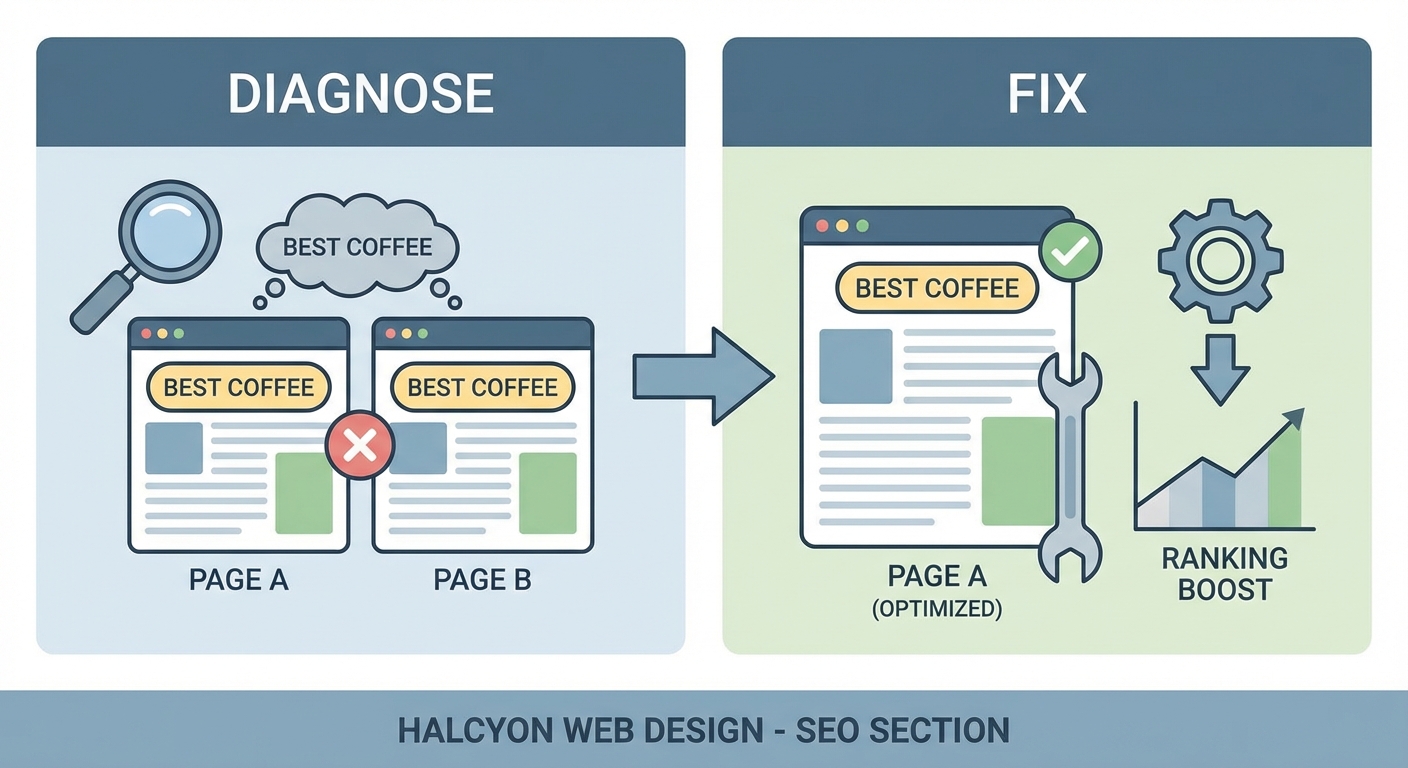
Not every instance of multiple pages ranking for the same keyword indicates a problem.
Different search intent
A page titled “best WordPress plugins” and another titled “how to choose a WordPress plugin” might both rank for “WordPress plugins.” But they serve different user needs. The first helps people ready to install something. The second educates beginners who don’t know where to start.
Keep both if they target distinct intent stages. Just make sure each page clearly differentiates itself in the title, meta description, and content. Similar to how you’d evaluate plugins carefully, you need to assess whether pages truly compete or complement each other.
Location-based variations
Local businesses often create separate pages for different service areas. “Plumber in Austin” and “Plumber in Dallas” might share many keywords, but they target different geographic searches.
This isn’t cannibalization. It’s necessary for local SEO. Just ensure each location page has unique content about that specific area, not just templated text with the city name swapped.
Intentional ranking for multiple positions
Some brands deliberately create multiple resources targeting the same keyword to dominate the search results. If you rank positions 1, 3, and 5 for a high-value commercial term, you might choose to keep all three pages.
This strategy works only if each page genuinely offers different value. Otherwise, you’re better off consolidating into one authoritative resource.
Tools that make the process easier
While you can diagnose and fix cannibalization manually, these tools speed things up:
- Google Search Console: Free and essential for identifying which URLs rank for which queries
- Screaming Frog: Crawls your site to identify duplicate content, thin pages, and redirect chains
- SEMrush Position Tracking: Automatically flags when multiple URLs rank for the same keyword
- Ahrefs Site Audit: Identifies cannibalization issues and provides actionable recommendations
- Moz Pro: Offers keyword tracking with cannibalization detection built in
Start with Google Search Console since it’s free and comes directly from the source. Add paid tools as your needs and budget grow.
Fixing cannibalization improves everything
Resolving keyword cannibalization does more than boost rankings. It clarifies your site structure, improves user experience, and makes future content planning easier.
Your visitors find the information they need faster when you present one comprehensive resource instead of forcing them to check multiple pages. Your internal linking becomes more effective when you have clear hierarchies. Your content creation becomes more strategic when you know exactly what exists and what gaps remain.
Start with your highest-value keywords. Identify which pages compete, analyze their performance, and implement the appropriate fix. Monitor the results, then move on to the next set of keywords.
The process takes time, but the payoff in improved rankings and traffic makes it worthwhile. Your site will be stronger, clearer, and more competitive when you finish.