Ignoring that WordPress update notification feels harmless at first. You’re busy, the site works fine, and you worry an update might break something. But every day you wait, the risks multiply. Outdated WordPress sites become magnets for hackers, suffer performance problems, and eventually face catastrophic failures that cost far more to fix than a simple update ever would.
Skipping WordPress updates leaves your site vulnerable to security breaches, compatibility failures, and performance degradation. Outdated core files, themes, and plugins create entry points for malware, cause broken features, and trigger SEO penalties. Regular updates protect your data, maintain speed, and prevent expensive emergency repairs that outdated sites inevitably require.
Your site becomes a security target
Hackers scan the internet for outdated WordPress installations. They use automated tools that check version numbers in seconds.
When they find an old version, they already know the vulnerabilities. Security flaws in older WordPress versions are publicly documented. Attackers have ready-made scripts to exploit them.
A site running WordPress 5.8 when version 6.4 is available? That’s 15+ known vulnerabilities waiting to be exploited.
The 2021 WPScan Vulnerability Database showed over 29,000 WordPress-related security issues. Most were patched within days of discovery. Sites that didn’t update remained vulnerable for months or years.
Real example: In 2022, a popular e-commerce plugin had a critical flaw that allowed database access. The developers released a patch within 48 hours. Sites that updated immediately were safe. Sites that waited three months? Over 1,200 were compromised, with customer data stolen and sold on dark web marketplaces.
Security updates aren’t optional maintenance. They’re emergency patches for holes that criminals are actively exploiting right now.
Plugins and themes stop working correctly
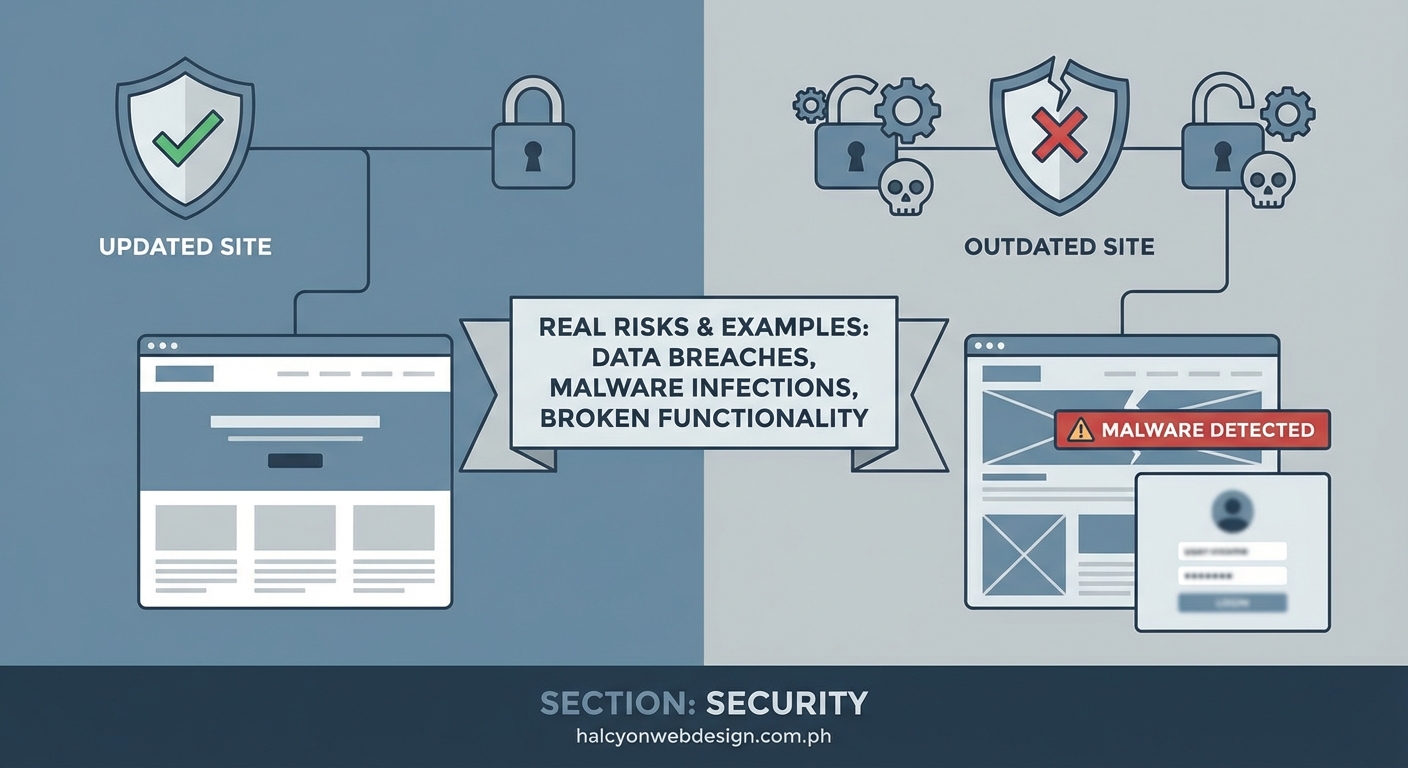
WordPress evolves with each release. New functions replace old ones. Deprecated code gets removed.
Your plugins and themes expect certain WordPress features to exist. When you skip core updates but your hosting provider updates PHP, you create a compatibility nightmare.
Here’s what breaks:
- Contact forms stop sending emails
- Shopping carts fail to process payments
- Image galleries display broken thumbnails
- Custom post types disappear from your dashboard
- Security plugins can’t scan properly
The plugin developers build for current WordPress versions. They can’t support every old version forever. When they release updates, those updates assume you’re running recent WordPress core files.
If you’re on WordPress 5.9 and install a plugin built for 6.2, functions might fail silently. You won’t see error messages. Features just won’t work. Visitors abandon forms that seem to submit but never send. You lose leads and sales without knowing why.
Performance degrades over time
Outdated WordPress sites get slower month by month. Old code isn’t optimized for modern server configurations. Database queries run inefficiently. Image handling uses outdated methods.
WordPress 6.0 introduced WebP image support and lazy loading improvements. Sites stuck on 5.5 miss these performance gains. They serve larger files, consume more bandwidth, and load slower on mobile devices.
Server resources matter too. Your hosting plan might upgrade PHP from 7.4 to 8.1. Modern WordPress versions are optimized for PHP 8.1. Old versions aren’t. The mismatch creates overhead that slows every page load.
Visitors notice. Google definitely notices. Page speed directly impacts search rankings. A site that loaded in 2 seconds last year might take 4 seconds now, purely because outdated code can’t leverage modern server capabilities.
Search rankings drop
Google penalizes slow, insecure sites. When your outdated WordPress installation causes performance issues, your SEO suffers.
Hacked sites get removed from search results entirely. Google’s Safe Browsing system flags compromised sites with warning messages. Visitors see “This site may be hacked” before they can access your content. Traffic disappears overnight.
Even without a visible hack, outdated sites face SEO problems:
- Slow load times increase bounce rates
- Broken structured data stops rich snippets from appearing
- Mobile compatibility issues hurt mobile-first indexing
- Security warnings reduce click-through rates
The longer you wait to update, the harder recovery becomes. Sites that maintain regular updates rarely face these issues. Sites that skip updates for six months or more often need professional SEO repair work after finally updating.
The cost of emergency repairs exceeds prevention
Updating WordPress takes 5 minutes when done regularly. Fixing a hacked site takes days or weeks.
Consider the real costs when something breaks:
| Scenario | Time Required | Typical Cost | Business Impact |
|---|---|---|---|
| Regular updates | 5-10 minutes monthly | Free or $50/month managed | None |
| Malware cleanup | 10-40 hours | $500-$3,000 | Days of downtime |
| Data recovery | 20-80 hours | $1,000-$10,000 | Permanent data loss possible |
| Complete rebuild | 40-200 hours | $5,000-$50,000 | Weeks offline |
A small business site that skipped updates for 18 months got infected with cryptomining malware. The hosting provider suspended the account for excessive CPU usage. Recovery required:
- Malware removal from 247 infected files
- Database cleanup of 1,843 malicious entries
- Reinstallation of WordPress core
- Manual review of every plugin and theme
- Password resets for all users
- SSL certificate reissue
Total cost: $2,400 and nine days offline. Lost revenue: approximately $8,000. Damaged reputation: immeasurable.
Regular updates would have cost zero dollars and prevented everything.
Backup systems fail silently
Many site owners feel safe because they have backups. But outdated WordPress installations often break backup plugins too.
Backup plugins need to communicate with WordPress core functions. When those functions change and your WordPress version doesn’t match what the plugin expects, backups stop working.
You won’t know until you need them. The backup plugin might show green checkmarks in your dashboard while actually failing to create usable backups. When disaster strikes and you try to restore, you discover your last working backup is from eight months ago.
Automated backup systems also struggle with outdated sites. They might back up infected files, preserving the malware. Restoring from those backups just reinstalls the problem.
Compatibility with modern tools disappears
New marketing tools, analytics platforms, and integrations assume you’re running current software. When you’re not, connections fail.
Want to add a new payment gateway? It requires WordPress 6.0 or higher. Your site runs 5.7. Now you face a choice: skip the better payment option or finally do that scary update you’ve been avoiding.
The same applies to:
- Modern page builders
- Advanced SEO tools
- Email marketing integrations
- Social media sharing features
- Accessibility improvements
Each month you delay updating, the gap widens. Eventually, you’re so far behind that updating becomes genuinely risky because you’re jumping multiple major versions at once.
Your site becomes a liability for visitors
Outdated sites don’t just hurt you. They endanger your visitors.
Compromised WordPress sites spread malware to visitors. Someone reads your blog post and their computer gets infected. Their browser warns them your site is dangerous. They never return and tell others to avoid you.
Data breaches expose visitor information. If you collect email addresses, comments, or purchase data, you’re responsible for protecting that information. An outdated site that gets hacked leaks visitor data. You face legal liability, especially under GDPR and similar privacy laws.
Trust evaporates instantly. Rebuilding it takes years. Some businesses never recover from a major security incident caused by negligent maintenance.
The update process isn’t as scary as you think
Most fears about updating are based on outdated information or bad experiences with poorly built sites.
Here’s how to update safely:
- Create a complete backup before starting
- Check your plugin compatibility with the new WordPress version
- Update in a staging environment first if possible
- Update plugins and themes before updating WordPress core
- Test critical functions after updating
- Keep the backup for at least two weeks
Problems happen, but they’re rare when you follow this process. And when they do occur, they’re far easier to fix than the catastrophic failures that outdated sites eventually face.
Many hosting providers offer automatic updates for WordPress core. Some include automatic plugin updates too. These systems have rollback features that restore your site if something breaks.
The risk of updating is tiny compared to the certainty of problems if you don’t.
Updates protect more than just your site
Think beyond your website. Your WordPress site connects to other systems.
An infected site can compromise:
- Your email server if you use the same hosting
- Your domain registrar account if credentials are stored
- Your social media accounts if connected via plugins
- Your payment processor if you run an online store
- Your customer database if you collect information
A single compromised WordPress installation can become the entry point for attacks on your entire digital presence. Hackers use one vulnerability to pivot to other systems.
Business owners who skip WordPress updates often skip updates elsewhere too. This creates a pattern of negligence that eventually leads to a major breach affecting multiple systems simultaneously.
Signs your site is already compromised
If you’ve been skipping updates, watch for these warning signs:
- Unexpected new admin accounts appearing
- Files modified dates that don’t match your changes
- Unexplained traffic spikes to strange URLs
- Outbound links added to old posts
- Hosting provider warnings about resource usage
- Google Search Console security warnings
- Visitors reporting strange redirects
- Slow admin dashboard performance
These symptoms often appear months before you notice obvious problems. By the time you see broken pages or defaced content, the infection is severe.
Running security scans on an outdated site often reveals infections that have been present for weeks or months. The malware sits quietly, stealing data or using your server for attacks on other sites.
What to do if you’re months behind
Don’t panic, but don’t wait either. The longer you delay, the worse it gets.
Start here:
- Back up everything immediately, even if the backup might contain malware
- Run a security scan using a reputable tool
- Review your hosting account for suspicious activity
- Check your Google Search Console for security warnings
- Consider hiring a professional if you’re more than six months behind
Updating from a very old version to the current version in one jump is risky. You might need to update incrementally, testing between major versions. Professional help makes sense here because the stakes are high.
If you discover you’re already infected, clean the infection before updating. Otherwise, you just update infected files and the malware persists.
Prevention beats emergency response every time
The pattern is clear. Sites that update regularly almost never face these problems. Sites that skip updates eventually face all of them.
Make updates part of your routine. Set a monthly reminder. Check for updates every first Monday, or tie it to another regular task you already do.
If managing updates feels overwhelming, that’s what managed WordPress hosting is for. You pay a bit more, and they handle updates, security, and backups automatically.
The small investment in maintenance prevents the large cost of disaster recovery. Every successful business understands this principle. Your website deserves the same approach.
Why waiting never gets easier
Some site owners think they’ll update “when they have time” or “after the busy season.” That time never comes. The busy season never ends. Meanwhile, the risks compound daily.
Updates don’t get easier by waiting. They get harder. More changes accumulate. More compatibility issues emerge. The gap between your version and the current version widens.
The best time to update was yesterday. The second best time is today. Right now, before you close this tab and forget about it again.
Your WordPress site isn’t a “set it and forget it” asset. It’s infrastructure that requires maintenance, just like your car, your home, or your health. Neglect leads to breakdown. Maintenance leads to longevity.
The choice is yours, but the consequences are predictable. Update regularly and sleep well, or skip updates and eventually face an expensive, stressful emergency that could have been completely avoided.
Your site works fine today. But every outdated installation is just counting down to the day something breaks. The question isn’t if, but when. And whether you’ll be prepared when it happens.