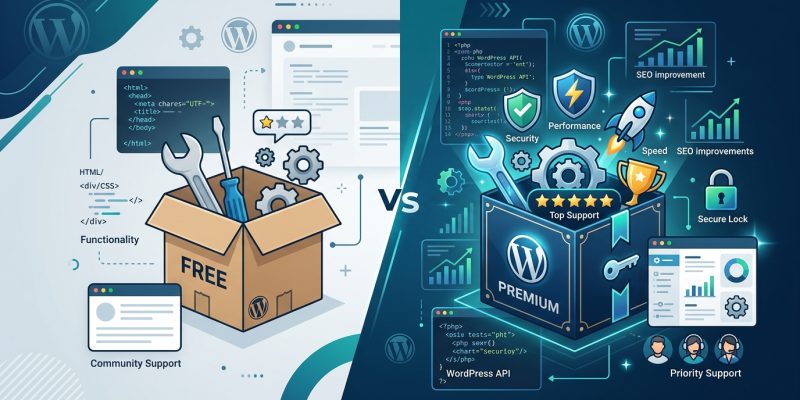
You’ve just launched your WordPress site, and now you need plugins to add features.
But you’re staring at two options for nearly every tool. One is free. The other costs $49 a year. The free version has 50,000 active installs and four stars. The premium version promises priority support and advanced features.
Which one should you actually choose?
Free plugins work well for basic functionality but often lack dedicated support, advanced features, and regular updates. Premium plugins provide professional support, frequent updates, and extended features but require ongoing investment. Your choice depends on your site’s complexity, budget, and how much risk you’re willing to accept with support gaps and potential security delays.
What you actually get with free plugins
Free plugins come from the official WordPress.org repository.
They’re built by developers who release them under the GPL license. Anyone can download, install, and use them without paying a cent.
Most free plugins handle basic tasks well. Contact forms, image optimization, caching, and SEO tools all have solid free options that millions of sites rely on daily.
But free doesn’t mean the developer owes you anything.
Support happens through community forums. Response times vary wildly. Some developers answer questions within hours. Others take weeks, or never respond at all.
Updates follow a similar pattern. Active plugins get regular updates. Abandoned plugins sit untouched for years, slowly becoming security risks as WordPress itself evolves.
Here’s what free plugins typically include:
- Core functionality that solves one specific problem
- Community forum support with no guaranteed response time
- Updates when the developer has time and motivation
- Documentation that ranges from excellent to nonexistent
- No direct way to request features or report urgent bugs
What premium plugins bring to the table
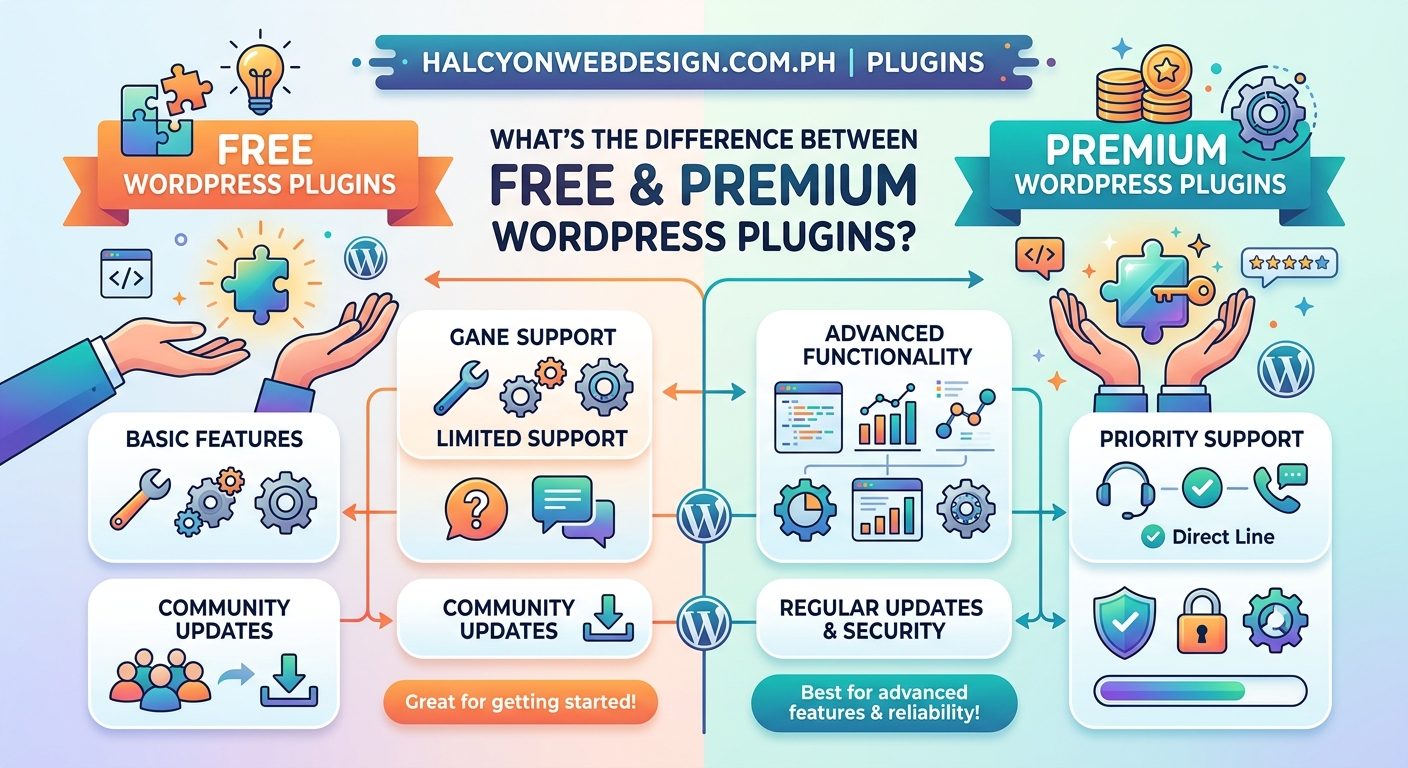
Premium plugins cost money because someone is running a business.
That business model changes everything about how the plugin works and how you get help.
You pay for the plugin once, or you subscribe annually. That payment funds a support team, regular updates, and ongoing development.
When something breaks, you open a support ticket. Someone whose job is to help you will respond, usually within 24 hours. They’ll troubleshoot your specific setup, not just point you to generic documentation.
Premium plugins also ship with features that free versions skip:
- Advanced settings and customization options
- Integration with other premium tools
- Priority bug fixes and security patches
- Detailed documentation and video tutorials
- Direct feature requests that actually get considered
The developer has a financial incentive to keep you happy. If the plugin breaks and they ignore you, you’ll cancel your subscription and leave a bad review.
Support differences that actually matter
Support quality separates free and premium plugins more than any other factor.
Free plugin support happens in public forums. You post a question. You wait. Maybe someone answers. Maybe that someone is the developer. Maybe it’s another user guessing at solutions.
When you’re locked out of your site because a plugin update broke something, “maybe” isn’t good enough.
Premium support gives you direct access to people who built the plugin. They know exactly how it works. They can spot conflicts with your theme or other plugins. They can push emergency fixes if needed.
Here’s a real scenario: your site goes down at 9 PM on a Friday. A plugin conflict is blocking the admin area.
With a free plugin, you post in the forum and hope someone sees it before Monday. You might disable all plugins via FTP and rebuild your setup by trial and error.
With a premium plugin, you open a ticket. Support responds within hours with specific steps to fix your exact problem. If it’s their bug, they release a patch.
That difference matters more as your site grows. A personal blog can survive weekend downtime. An online store loses real money every hour it’s offline.
Security and update reliability
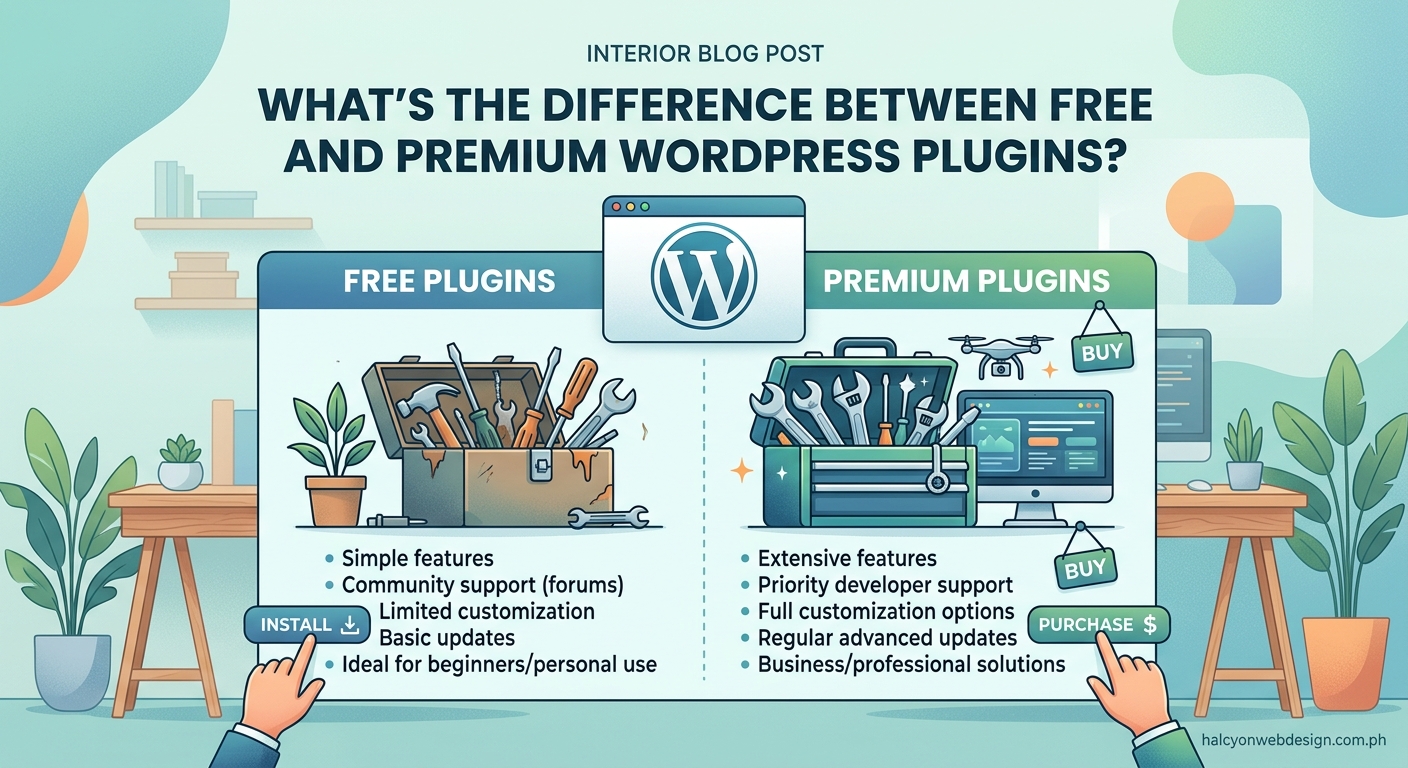
Free plugins depend entirely on the developer’s goodwill.
If they lose interest, the plugin stops getting updates. Old code becomes vulnerable as WordPress core changes and new security threats emerge.
The WordPress.org repository closes plugins with known security issues. But that happens after the vulnerability is discovered and reported. Your site might sit exposed for weeks or months.
Premium plugins have stronger incentives to stay secure. Their reputation and revenue depend on it. They monitor for vulnerabilities, push updates faster, and maintain compatibility with the latest WordPress versions.
You can check how to choose the right WordPress plugin without breaking your site for a framework that helps evaluate both free and premium options before installation.
Feature limitations and upgrade pressure
Most premium plugins start as free versions with limited features.
The free version handles basic tasks. The premium version adds power user features, integrations, and customization options.
This creates a common frustration: you install the free version, build your workflow around it, then hit a wall when you need one advanced feature.
Now you’re choosing between paying for the upgrade or switching to a completely different plugin and rebuilding everything.
Some developers handle this well. They clearly document what’s free and what’s premium before you install. Others use aggressive upselling, showing upgrade prompts on every settings page.
Here’s how to evaluate whether you’ll need premium features:
- Read the full feature comparison before installing anything
- Test the free version on a staging site if possible
- Check whether the features you need are actually in the free tier
- Look for reviews mentioning upgrade pressure or hidden limitations
- Consider whether you’ll need advanced features within six months
If you know you’ll need premium features eventually, starting with the paid version saves migration headaches later.
Performance and code quality differences
Premium doesn’t automatically mean better code.
But premium plugins often have better performance because the developers have more resources for testing and optimization.
Free plugins might work perfectly. Or they might load 15 external scripts, add 200KB to every page, and slow your site to a crawl.
Premium plugins usually invest more in performance optimization. They minimize database queries, load assets conditionally, and test across different hosting environments.
You can verify this before committing. Install the plugin on a test site and run performance tests. Check page load times before and after activation. Look at how many HTTP requests it adds.
Tools like Query Monitor show exactly what database queries each plugin runs. If a free plugin makes 50 queries per page load, that’s a red flag.
If you’re already dealing with slow load times, read about why your WordPress site loads slowly and how to fix it in 30 minutes for optimization strategies that work regardless of which plugins you choose.
When free plugins make perfect sense
Free plugins work great for many situations.
If you need basic functionality and you’re comfortable troubleshooting issues yourself, free plugins can run your entire site without problems.
Use free plugins when:
- You need standard features that don’t require customization
- You have time to research solutions in community forums
- Your site can handle occasional downtime without major consequences
- You’re comfortable reading code and debugging conflicts
- The plugin has active development and recent updates
- Thousands of users have installed it successfully
Many successful sites run entirely on free plugins. The WordPress.org repository includes genuinely excellent tools built by skilled developers who maintain them consistently.
The key is choosing actively maintained plugins with strong community support and regular updates.
When premium plugins justify the cost
Premium plugins make sense when support and reliability matter more than saving money.
Business sites, online stores, membership sites, and any site that generates revenue should seriously consider premium options for critical functionality.
Choose premium plugins when:
- You need guaranteed support response times
- Downtime costs you real money or reputation
- You require advanced features or integrations
- You want someone else responsible for security updates
- You lack technical skills to troubleshoot complex issues
- You’re building client sites and need reliable support
The annual cost of a premium plugin is usually less than one hour of developer time to fix a broken free plugin. If you value your time or your site’s uptime, premium plugins often cost less in the long run.
How to evaluate plugin quality before installing
Both free and premium plugins vary wildly in quality.
Use this checklist to evaluate any plugin before installation:
| Evaluation Factor | What to Check | Red Flags |
|---|---|---|
| Last Update | Updated within 3 months | No updates in 6+ months |
| Active Installs | 10,000+ for free plugins | Under 1,000 installs |
| Ratings | 4+ stars with 50+ reviews | Mostly 1-star recent reviews |
| Support Response | Developer answers forum questions | Unanswered questions for weeks |
| Documentation | Clear setup guides and FAQs | No documentation at all |
| Compatibility | Tested with latest WordPress | Not tested with current version |
Read recent reviews carefully. Skip the five-star reviews from three years ago. Focus on one-star reviews from the last month. They reveal current problems.
Check the support forum activity. Are questions getting answered? Is the developer responsive? Do solutions actually work?
For premium plugins, test the free version first if available. Many premium plugins offer limited free versions that let you evaluate code quality and performance.
Common mistakes when choosing between free and premium
New WordPress users make predictable mistakes when selecting plugins.
Installing too many free plugins to avoid paying for one premium plugin. Five free plugins that each do part of what you need will slow your site more than one well-built premium plugin. More plugins mean more potential conflicts and more things to update.
Assuming premium always means better. Some premium plugins are poorly coded cash grabs. Some free plugins are better than their premium competitors. Price doesn’t guarantee quality.
Ignoring the total cost of ownership. A free plugin that requires five hours of troubleshooting costs more than a $50 premium plugin with instant support. Factor in your time.
Choosing based on features you’ll never use. Premium plugins often advertise dozens of features. If you only need three of them, you’re paying for bloat. Choose the simplest plugin that solves your actual problem.
Skipping the staging site test. Never install a new plugin directly on your live site, free or premium. Test it on a staging environment first to catch conflicts before they break your site.
Understanding how to audit your WordPress plugins and remove the ones slowing you down helps you maintain a lean plugin setup regardless of which options you choose.
The hybrid approach that works for most sites
You don’t have to choose all free or all premium.
Most successful WordPress sites run a mix of both.
Use free plugins for:
- Basic SEO (Yoast, Rank Math free versions)
- Simple contact forms (Contact Form 7, WPForms Lite)
- Image optimization (Smush, ShortPixel free tier)
- Caching (WP Super Cache, W3 Total Cache)
- Security basics (Wordfence free version)
Use premium plugins for:
- Backup solutions (UpdraftPlus Premium, BackupBuddy)
- Advanced forms with payment processing
- Membership and subscription management
- Page builders for complex layouts
- E-commerce functionality beyond basic WooCommerce
This approach keeps costs reasonable while ensuring critical functionality has professional support backing it.
Start with free plugins for non-critical features. Upgrade to premium versions when you need advanced features, better support, or when the free version becomes a bottleneck. Your plugin strategy should evolve as your site grows.
Decision framework for your specific situation
Here’s a practical way to decide for each plugin you need:
-
Identify the exact problem you’re solving. Write down specifically what you need the plugin to do. Avoid vague goals like “improve SEO.” Get specific: “add schema markup to blog posts.”
-
Search for solutions in both free and premium categories. Don’t assume one or the other is better before you look. Compare at least three options.
-
Calculate the cost of failure. If this plugin breaks, what happens? Lost revenue? Angry users? Or just minor inconvenience? Higher stakes justify premium.
-
Estimate your troubleshooting time. Be honest about your technical skills. If you’ll spend hours researching forum posts, premium support might cost less than your time.
-
Check for free trials or money-back guarantees. Many premium plugins offer 30-day refunds. Test them risk-free before committing.
-
Start with the minimum viable option. Begin with free if it meets your current needs. Upgrade when you hit limitations, not before.
For sites just starting out, lean toward free plugins and upgrade strategically as your needs grow. For established sites generating revenue, invest in premium plugins for critical functionality from the start.
Making the choice that fits your site
The free vs premium decision isn’t about finding the “right” answer. It’s about matching tools to your specific situation.
Free plugins work beautifully when you have time, technical comfort, and tolerance for occasional issues. Premium plugins make sense when you need reliability, support, and advanced features worth paying for.
Most WordPress sites thrive with a thoughtful mix of both. Choose free plugins for standard features with strong community support. Invest in premium options for critical functionality where downtime or lack of support would cost you more than the plugin price.
Start by auditing what you actually need. Then match each need to the most appropriate solution, whether that’s free or premium. Your plugin strategy will evolve as your site grows, and that’s exactly how it should work.